Skip to content
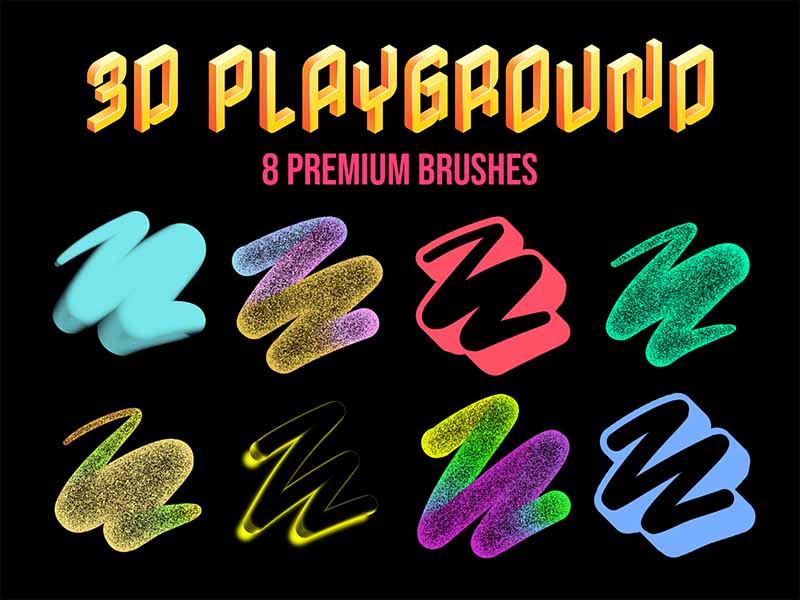
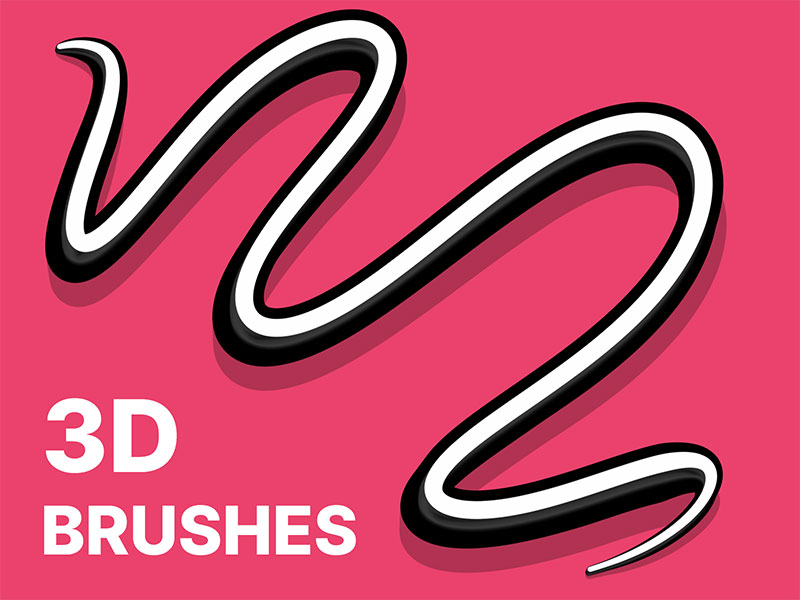
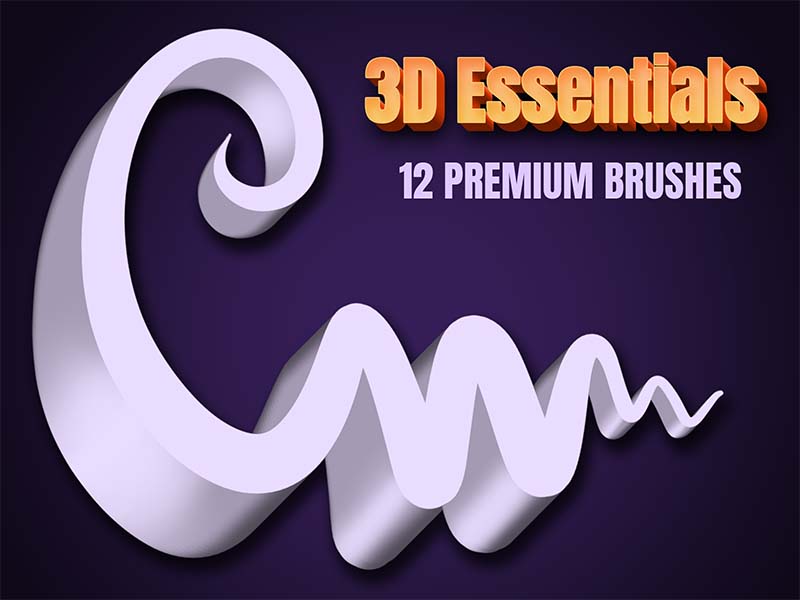
3D Playground artwork and Procreate brush previews
Artist Brushes for Procreate

3D PlaygroundBrush pack for Procreate

8 brushes in this pack

Download in the app

Opens the App Store · iPad & iPhone
Some content requires in-app purchases.

Meet your next set of tools

About 3D Playground

An experimental set of 8 unique 3D brushes made for creative exploration. Bold, unusual, and full of character - perfect for adding unexpected textures and playful effects to your designs
Every brush, a new possibility.

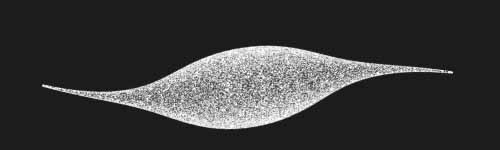
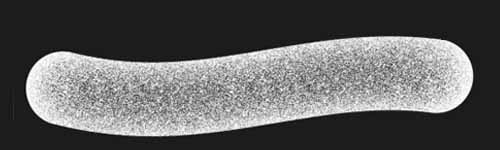
8 brushes · Full pack preview
Chromatic Noise Mono brush stroke preview from 3D Playground for Procreate
Chromatic Noise Mono
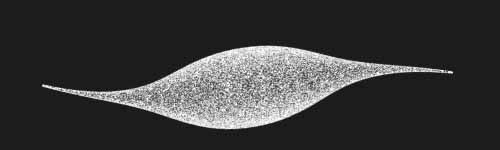
Chromatic Noise brush stroke preview from 3D Playground for Procreate
Chromatic Noise
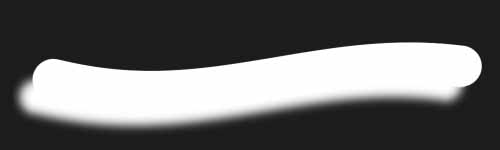
Glowing Shadow Mono brush stroke preview from 3D Playground for Procreate
Glowing Shadow Mono
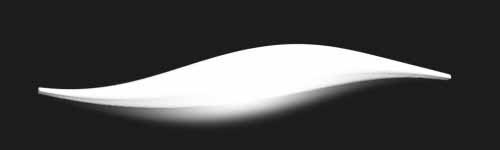
Glowing Shadow brush stroke preview from 3D Playground for Procreate
Glowing Shadow
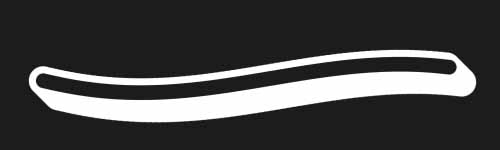
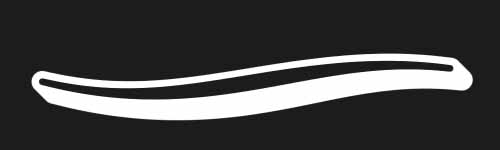
Hollow Line Mono brush stroke preview from 3D Playground for Procreate
Hollow Line Mono
Hollow Line brush stroke preview from 3D Playground for Procreate
Hollow Line
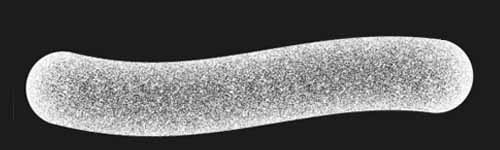
Simple Noise Mono brush stroke preview from 3D Playground for Procreate
Simple Noise Mono
Simple Noise brush stroke preview from 3D Playground for Procreate
Simple Noise
From inspiration to your canvas

How to get 3D Playground

Use Artist Brushes to bring your next set of tools into Procreate.

  1. 01

    Get Artist Brushes

    Download Artist Brushes for Procreate from the App Store on your iPad or iPhone.

  2. 02

    Find your pack

    Look for “3D Playground” in the app and open the pack. Some content requires in-app purchases.

  3. 03

    Import and start drawing

    Use the app’s download and export options to open the brushes in Procreate on iPad or Procreate Pocket on iPhone. Procreate is required and sold separately.

Make it part of your toolkit.

Find 3D Playground in Artist Brushes for Procreate.
Download on the App Store
Keep exploring

More brushes you might love