40 brushes
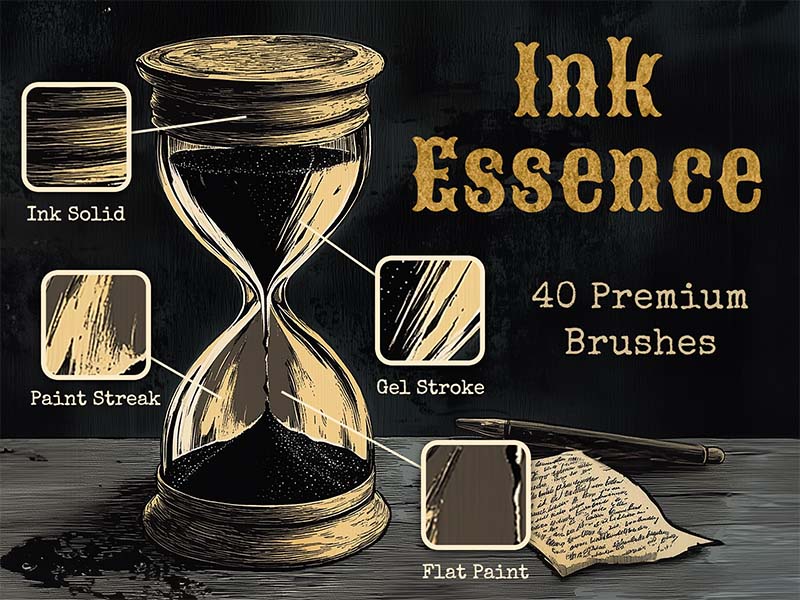
Ink Essence
Inking · Lettering
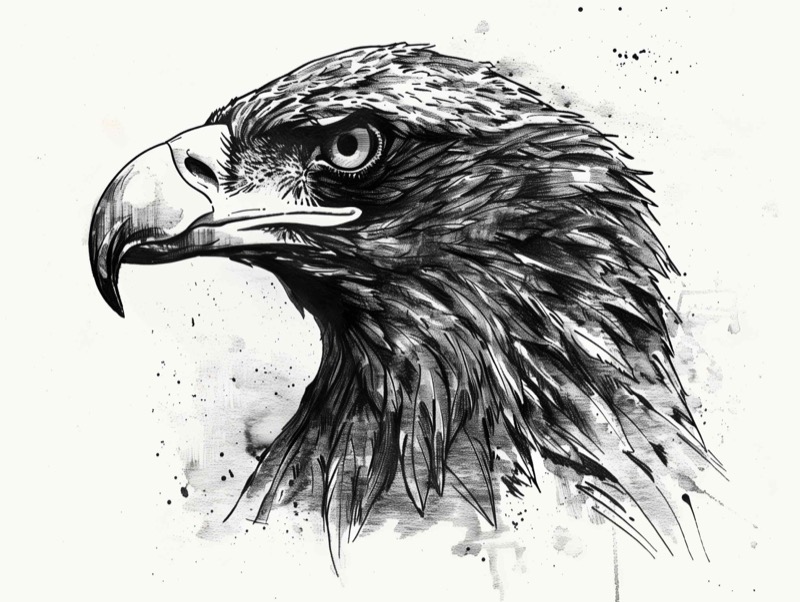
5 brushes in this pack
Download in the appOpens the App Store · iPad & iPhone
Some content requires in-app purchases.
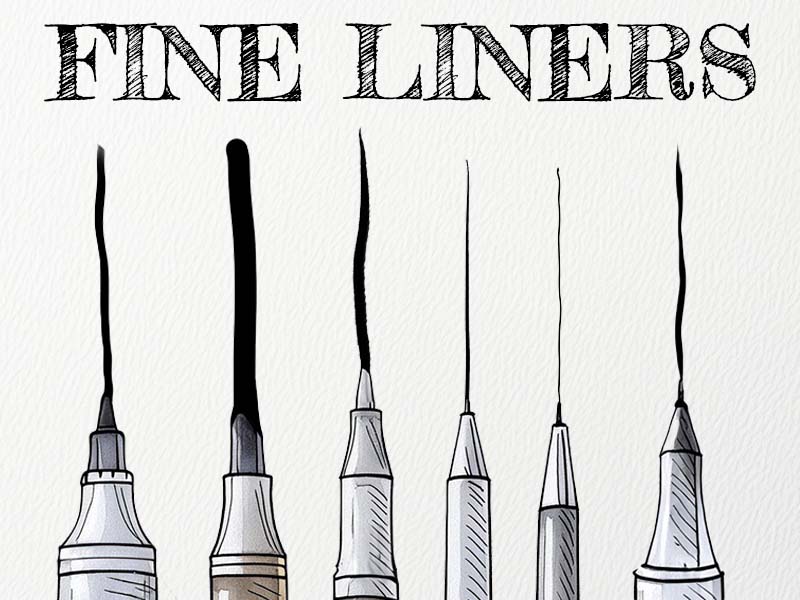
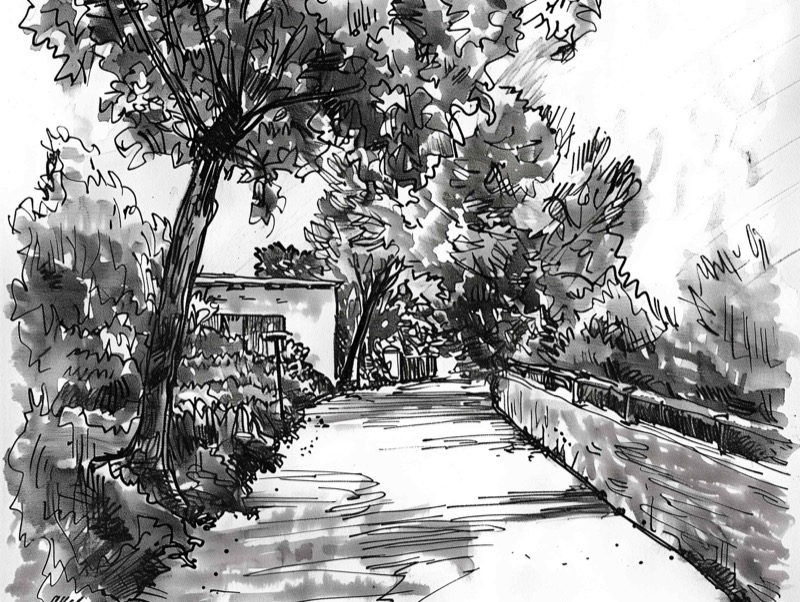
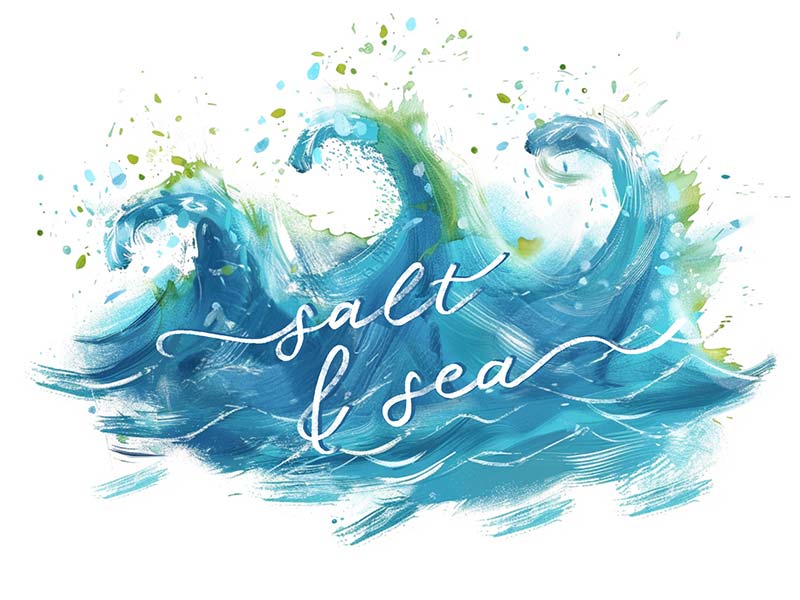
Experience the fusion of tradition and modernity with our Ink Master brushes. This eclectic set features a blend of classic and contemporary ink brushes, perfect for creating dynamic compositions, expressive sketches, and sleek graphic designs. Unlock your creativity and explore the endless versatility of ink.
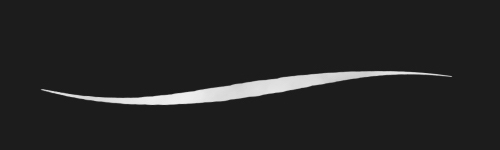

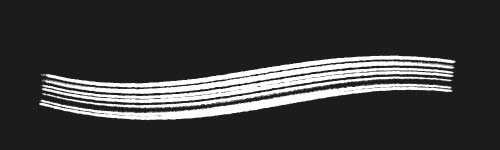

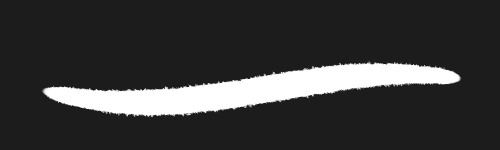
Use Artist Brushes to bring your next set of tools into Procreate.
Download Artist Brushes for Procreate from the App Store on your iPad or iPhone.
Look for “Ink Master” in the app and open the pack. Some content requires in-app purchases.
Use the app’s download and export options to open the brushes in Procreate on iPad or Procreate Pocket on iPhone. Procreate is required and sold separately.
Find Ink Master in Artist Brushes for Procreate.