Skip to content
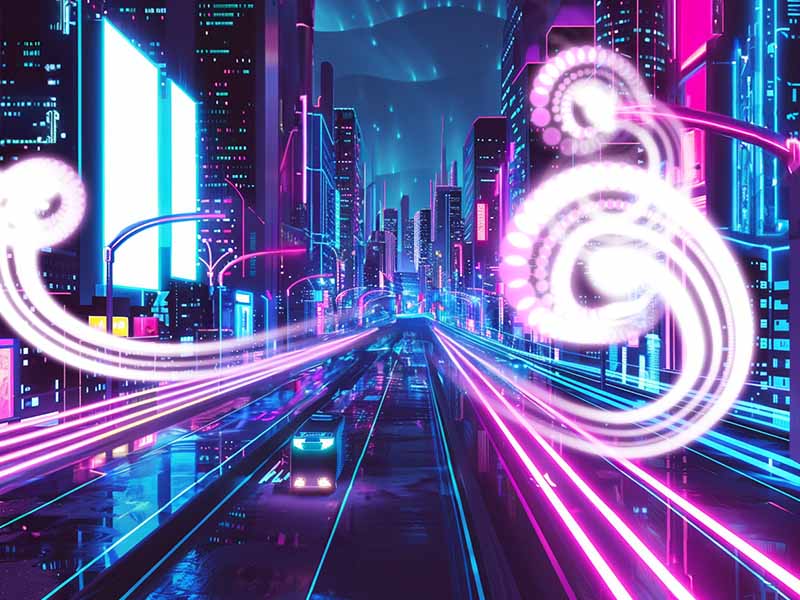
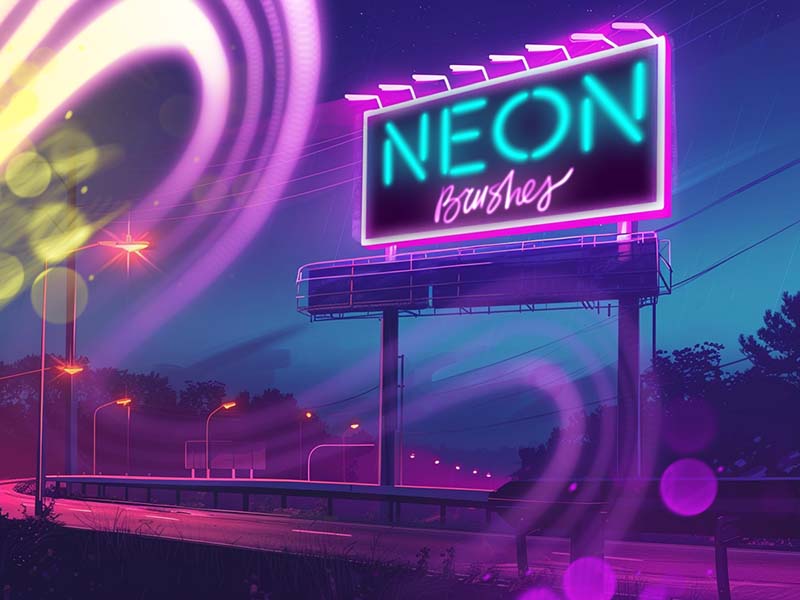
Neon Nights artwork and Procreate brush previews
Artist Brushes for Procreate

Neon NightsBrush pack for Procreate

7 brushes in this pack

Download in the app

Opens the App Store · iPad & iPhone
Some content requires in-app purchases.

Meet your next set of tools

About Neon Nights

Step into the neon-lit world of our Neon Nights brushes collection. These brushes create glowing neon effects that evoke the energy and excitement of a bustling city at night. Whether you're designing urban landscapes, nightlife posters, or digital art pieces, these brushes capture the essence of neon.
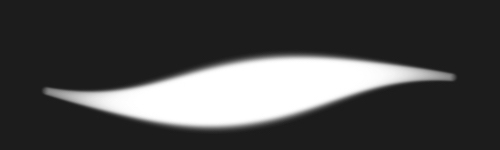
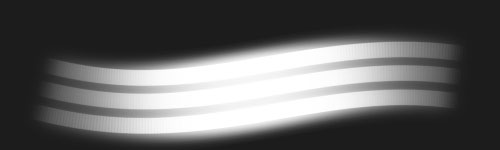
Every brush, a new possibility.

7 brushes · Full pack preview
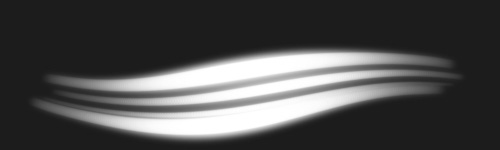
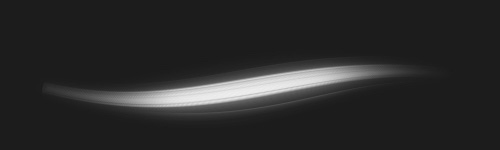
Neon Light brush stroke preview from Neon Nights for Procreate
Neon Light
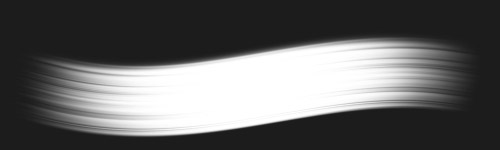
Radiant Edge brush stroke preview from Neon Nights for Procreate
Radiant Edge
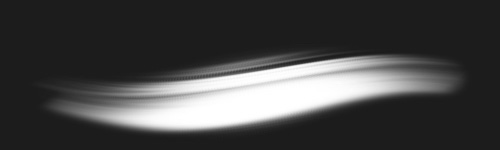
Highway Burst brush stroke preview from Neon Nights for Procreate
Highway Burst
Electric Echo brush stroke preview from Neon Nights for Procreate
Electric Echo
City Lights brush stroke preview from Neon Nights for Procreate
City Lights
Luminescent Lines brush stroke preview from Neon Nights for Procreate
Luminescent Lines
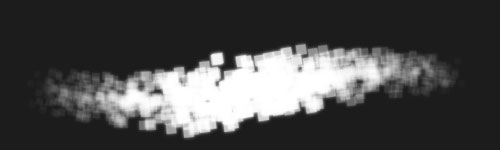
Pixel Madness brush stroke preview from Neon Nights for Procreate
Pixel Madness
From inspiration to your canvas

How to get Neon Nights

Use Artist Brushes to bring your next set of tools into Procreate.

  1. 01

    Get Artist Brushes

    Download Artist Brushes for Procreate from the App Store on your iPad or iPhone.

  2. 02

    Find your pack

    Look for “Neon Nights” in the app and open the pack. Some content requires in-app purchases.

  3. 03

    Import and start drawing

    Use the app’s download and export options to open the brushes in Procreate on iPad or Procreate Pocket on iPhone. Procreate is required and sold separately.

Make it part of your toolkit.

Find Neon Nights in Artist Brushes for Procreate.
Download on the App Store
Keep exploring

More brushes you might love