

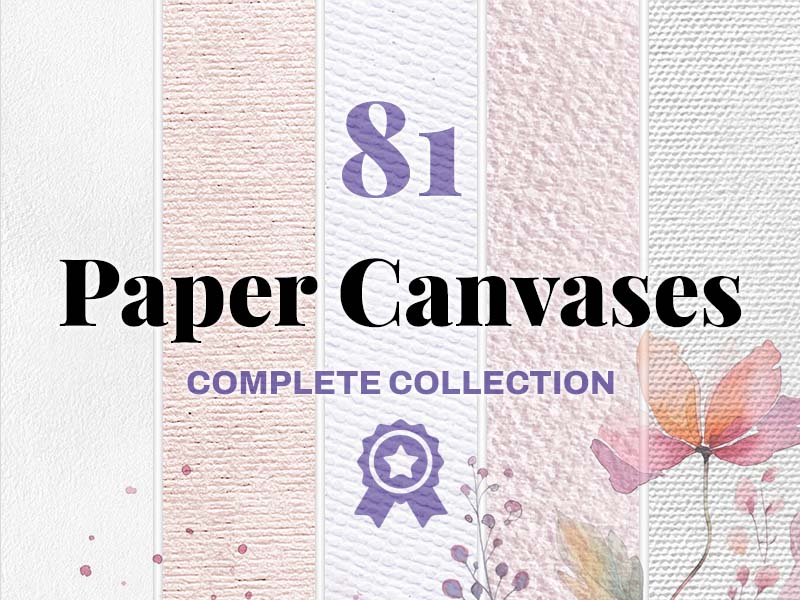
81 brushes
Paper Canvases
Texture · Sketching
Discover texture brushes for Procreate for grain, distressed surfaces, patterns, and finishing touches. Compare the marks in each pack to find a texture that suits your illustration’s scale and mood.
Download on the App StoreTexture · Sketching
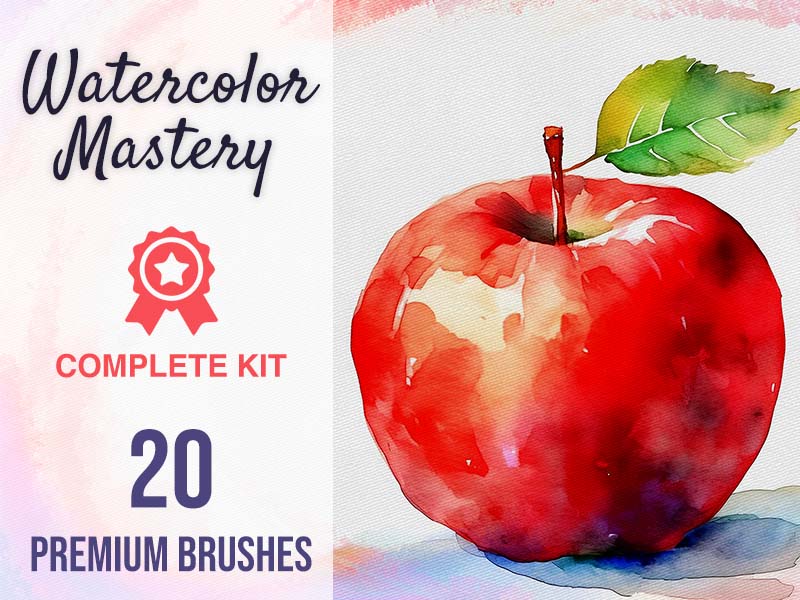
Watercolor · Drawing
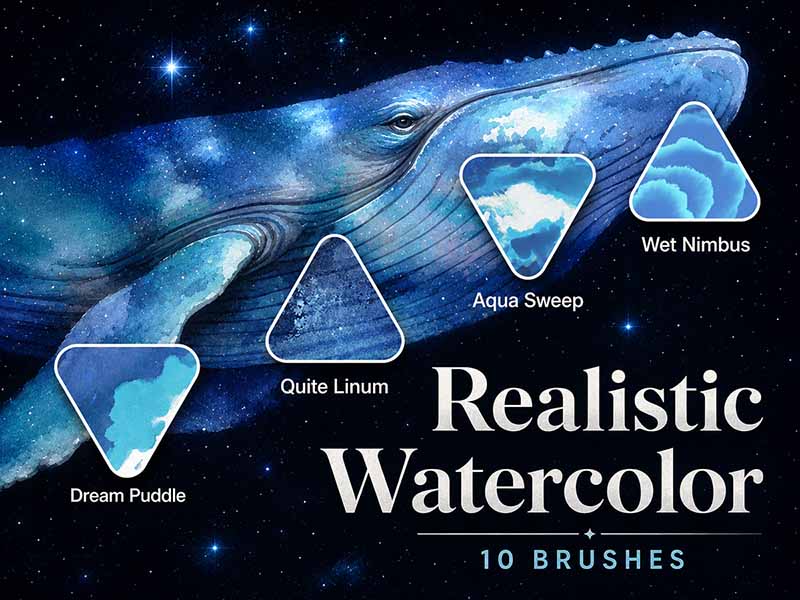
Watercolor · Texture
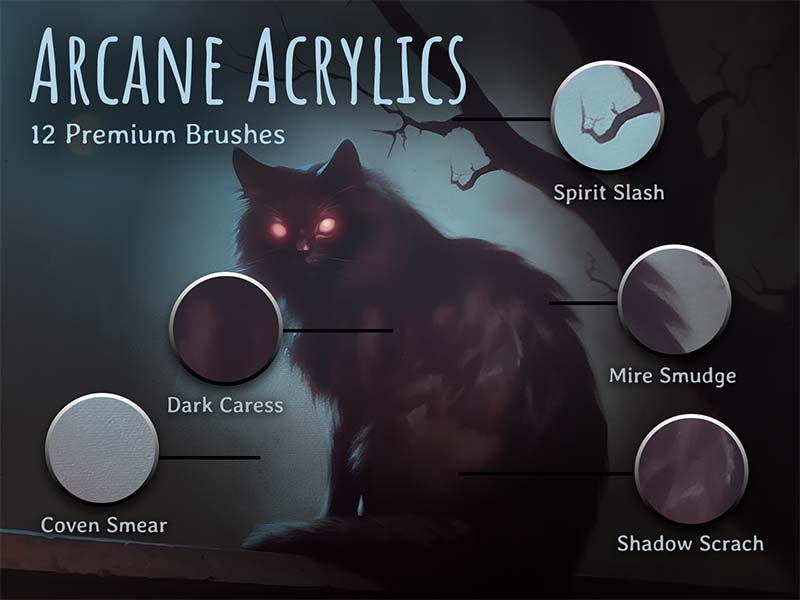
Acrylic · Texture
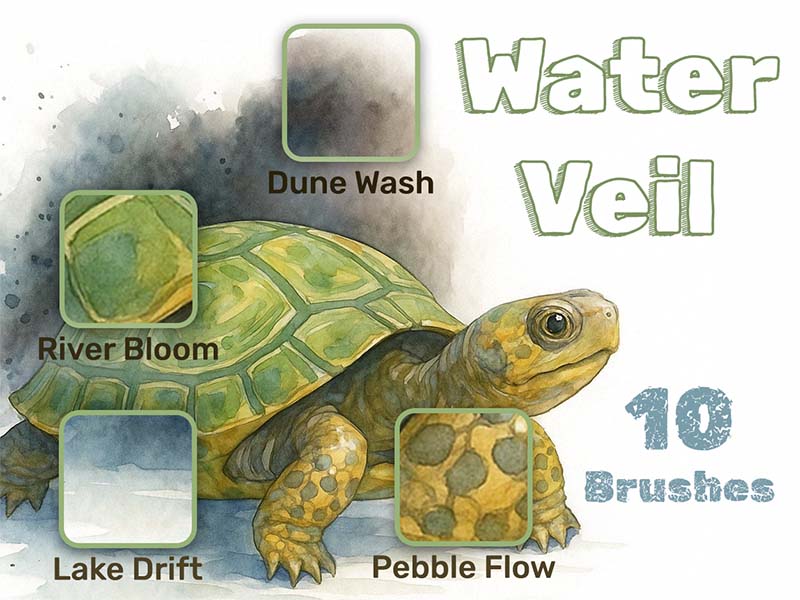
Watercolor · Drawing
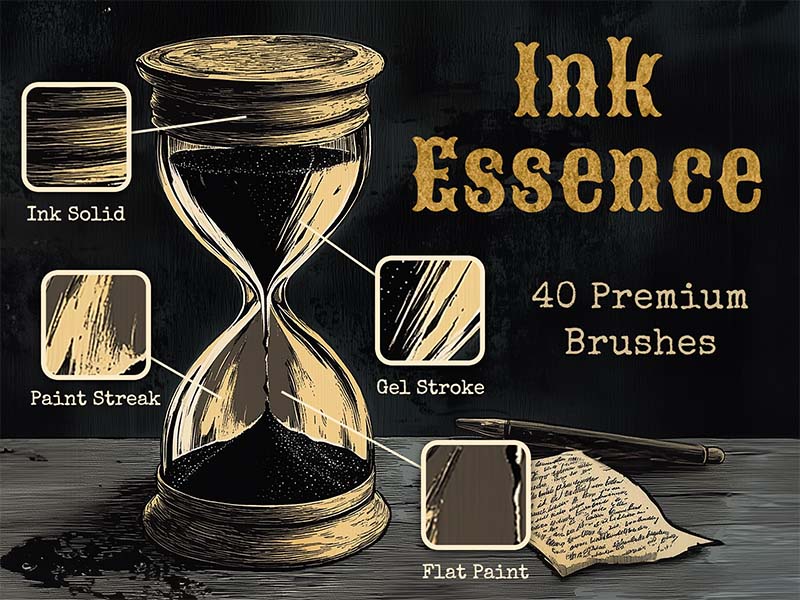
Inking · Lettering
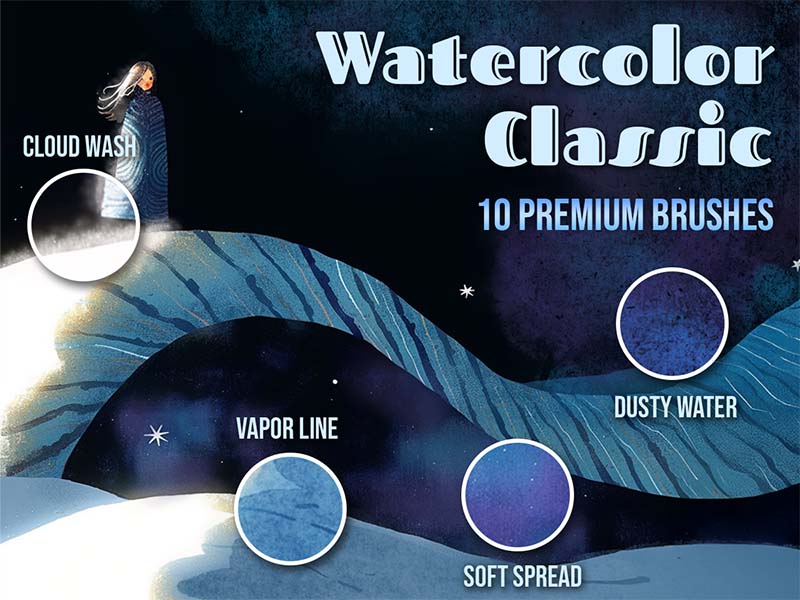
Watercolor · Texture
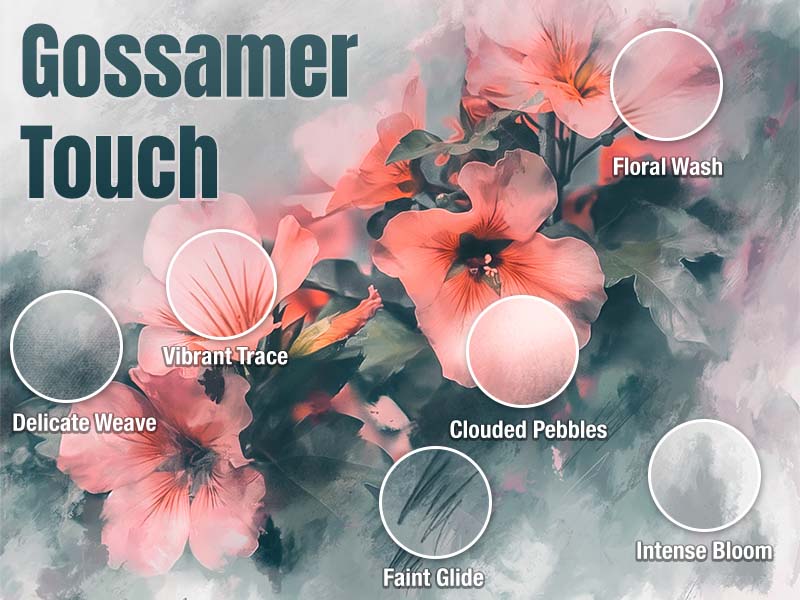
Watercolor · Gouache
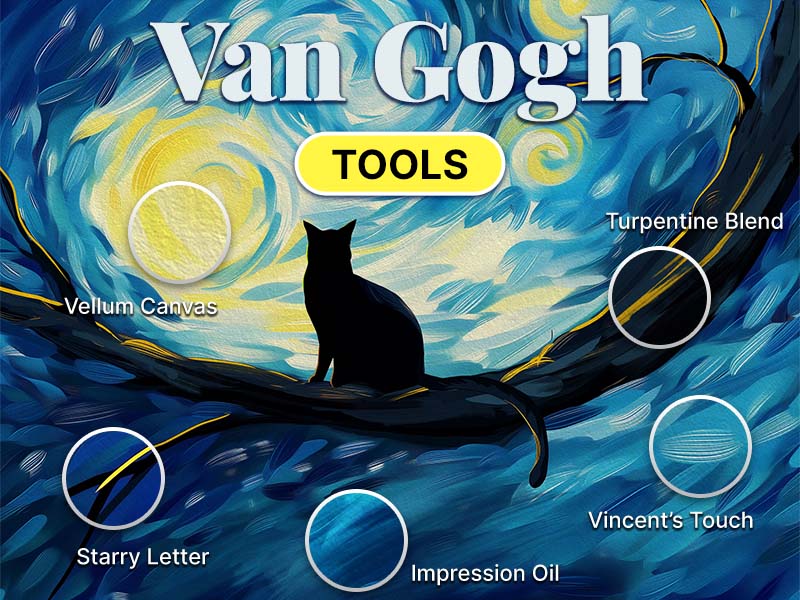
Oil · Drawing
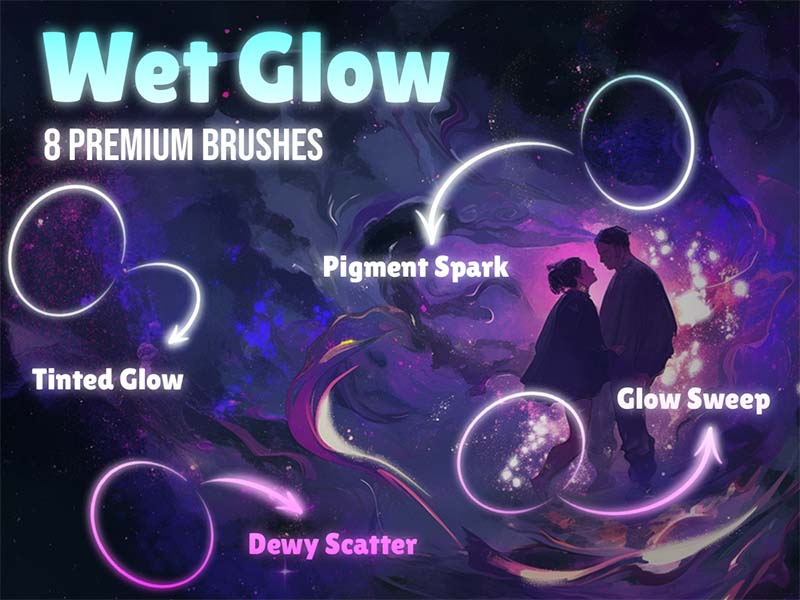
Watercolor · Texture
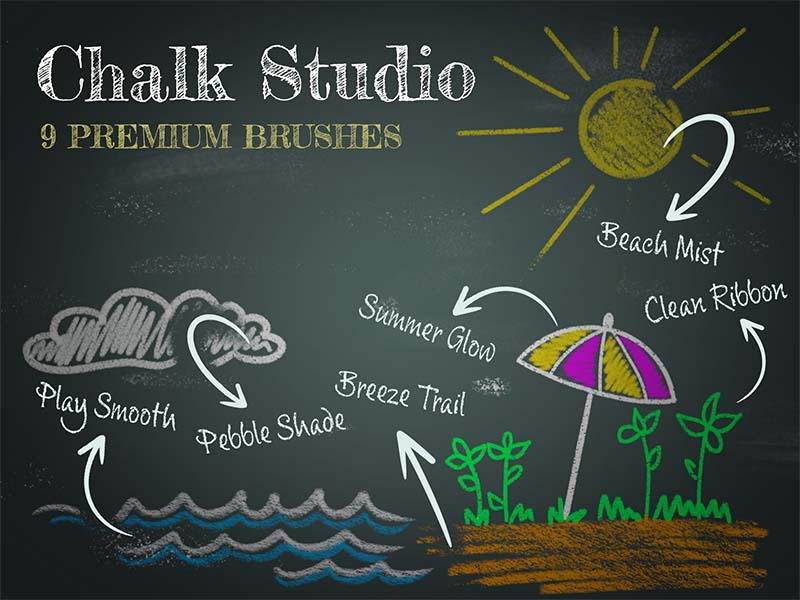
Chalk & Charcoal · Texture
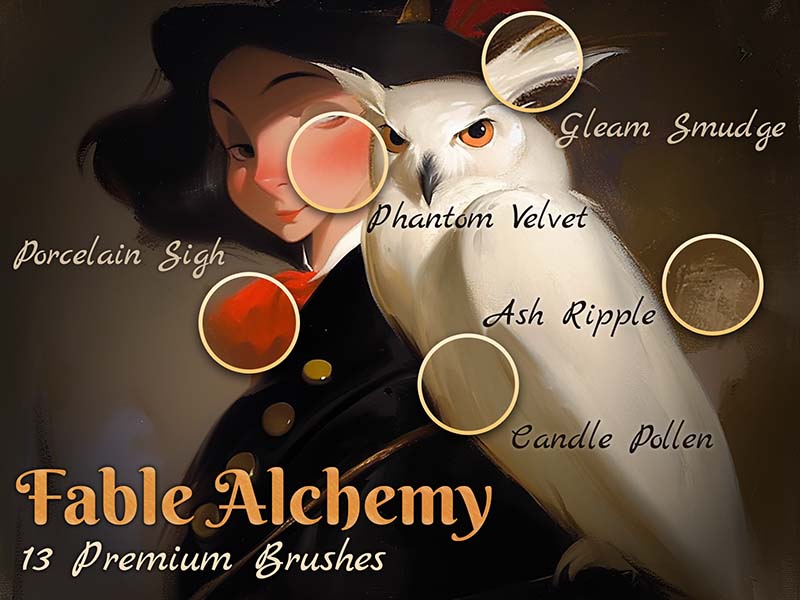
Watercolor · Oil
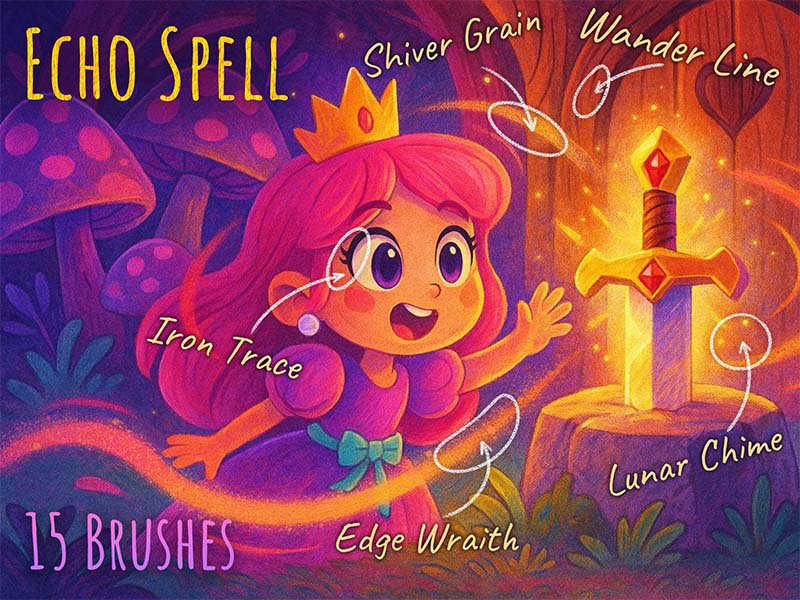
Texture · Glitter
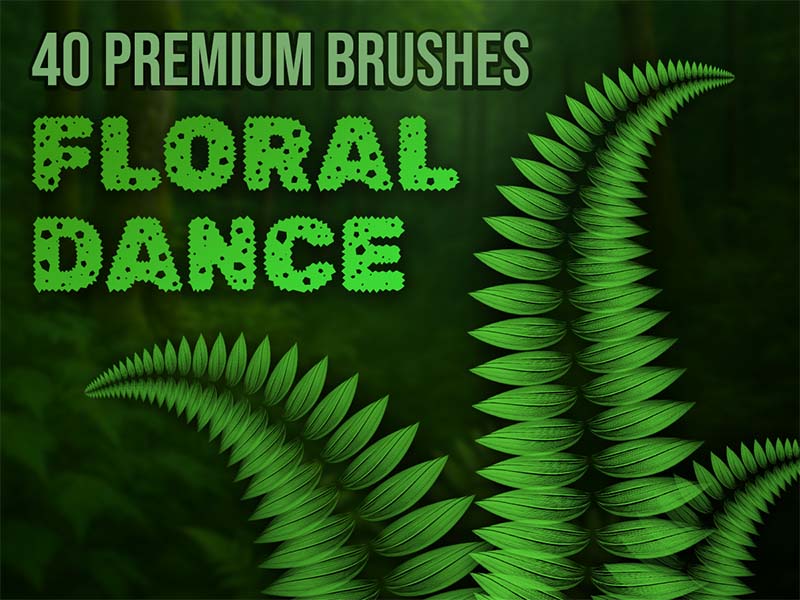
Drawing · Lettering
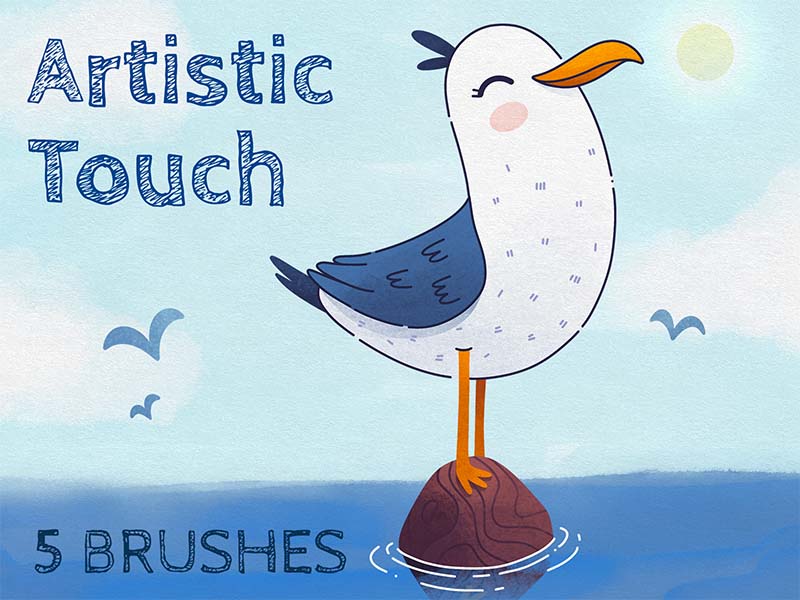
Drawing · Texture
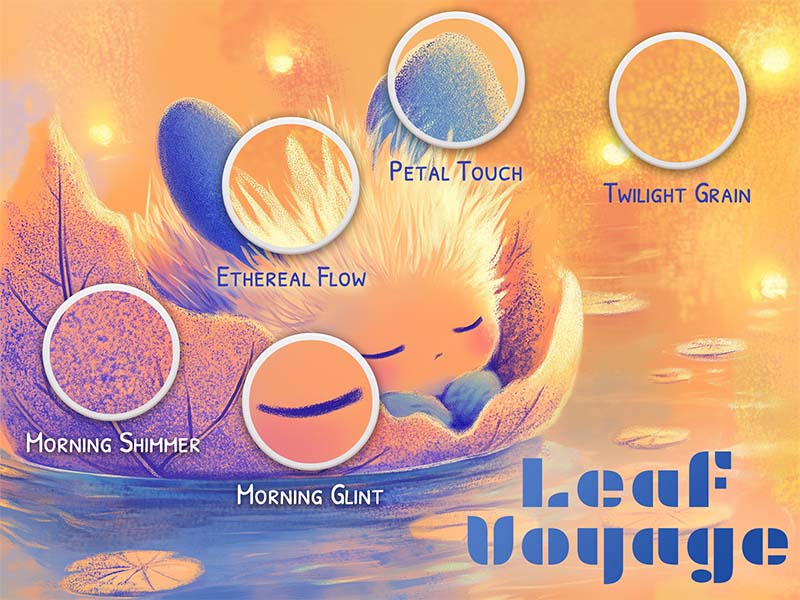
Chalk & Charcoal · Texture
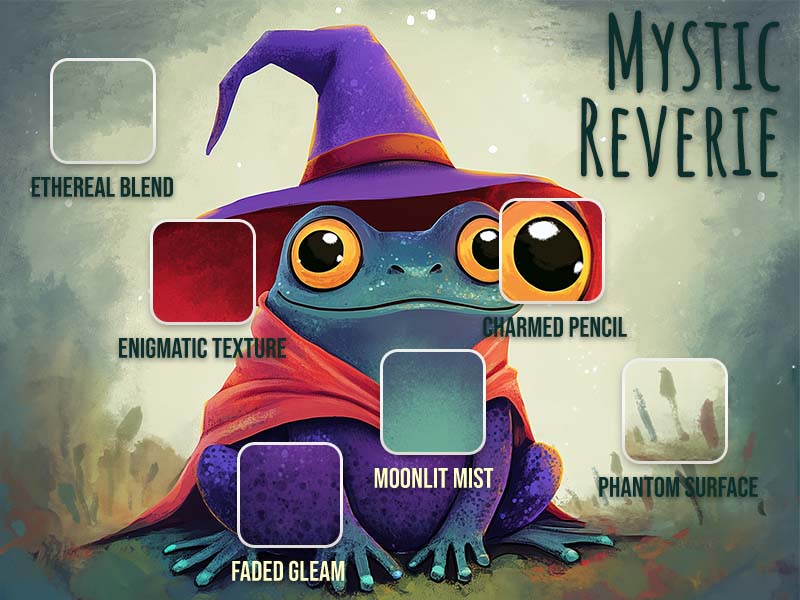
Acrylic · Oil
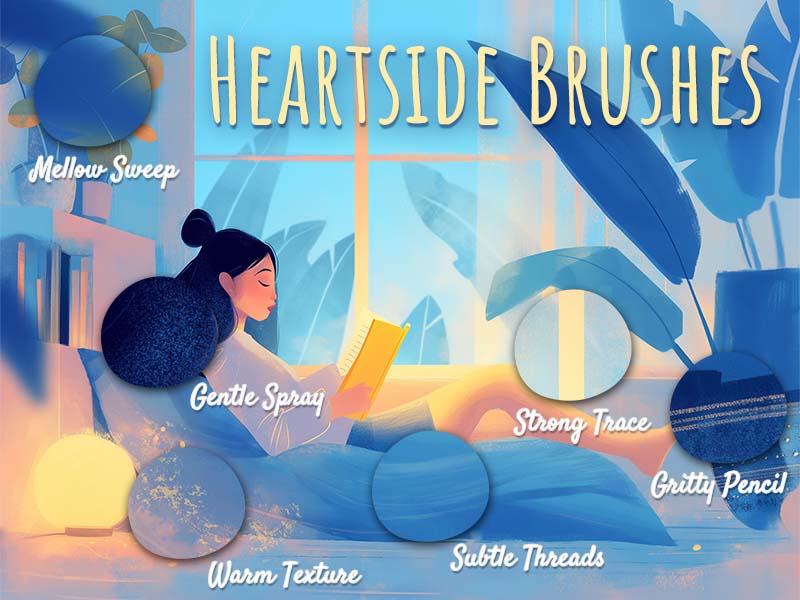
Texture · Drawing
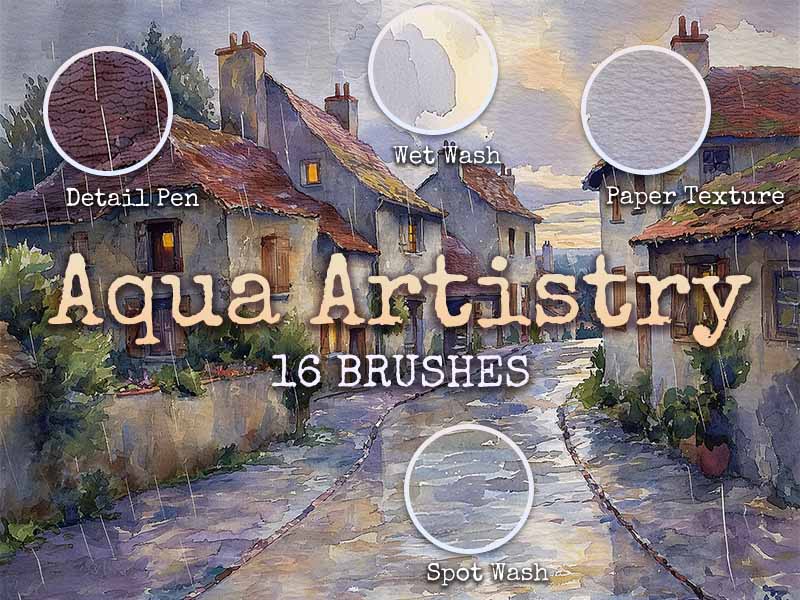
Watercolor · Texture
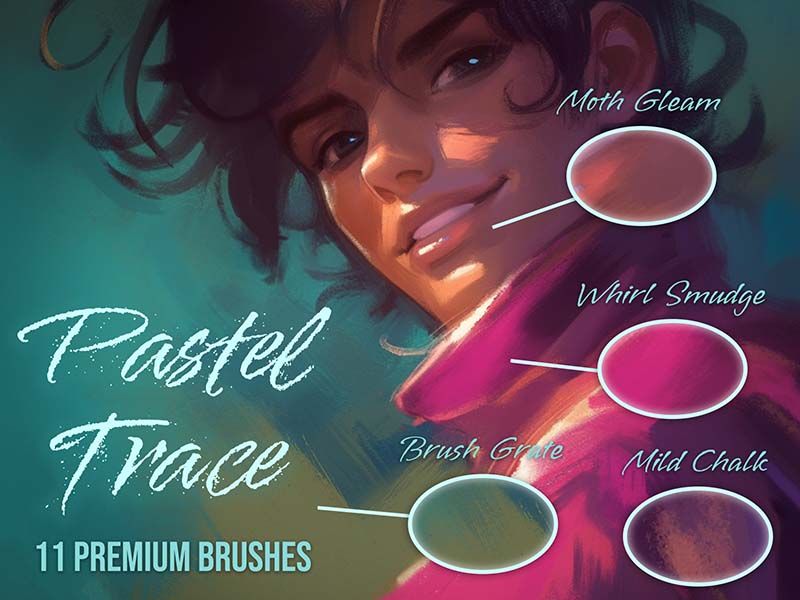
Texture · Oil
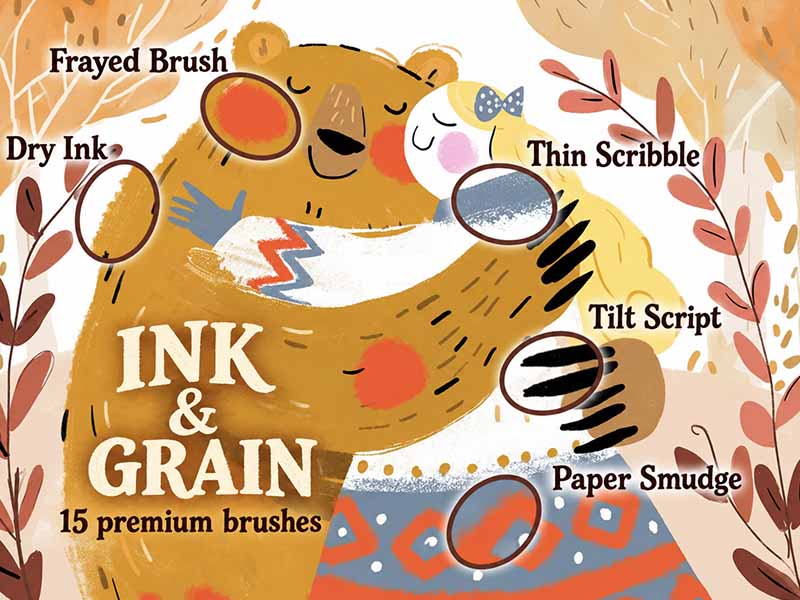
Inking · Chalk & Charcoal
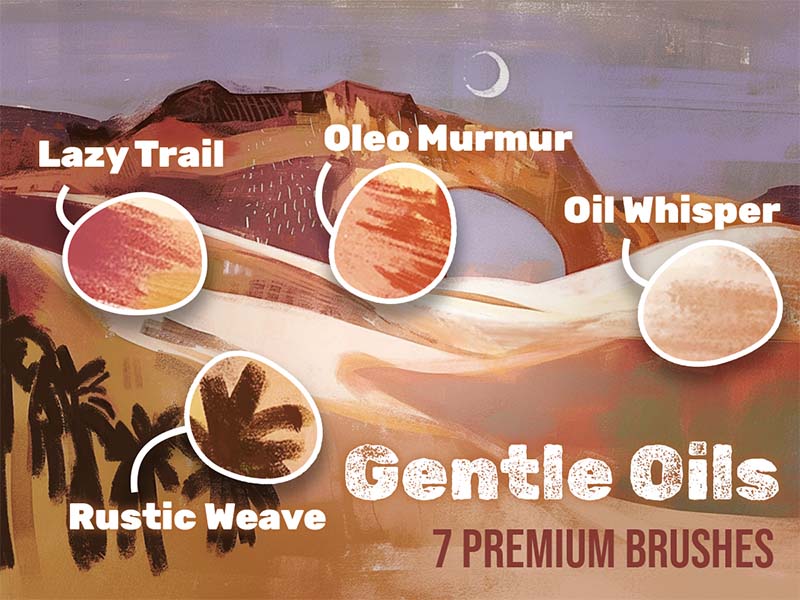
Oil · Texture
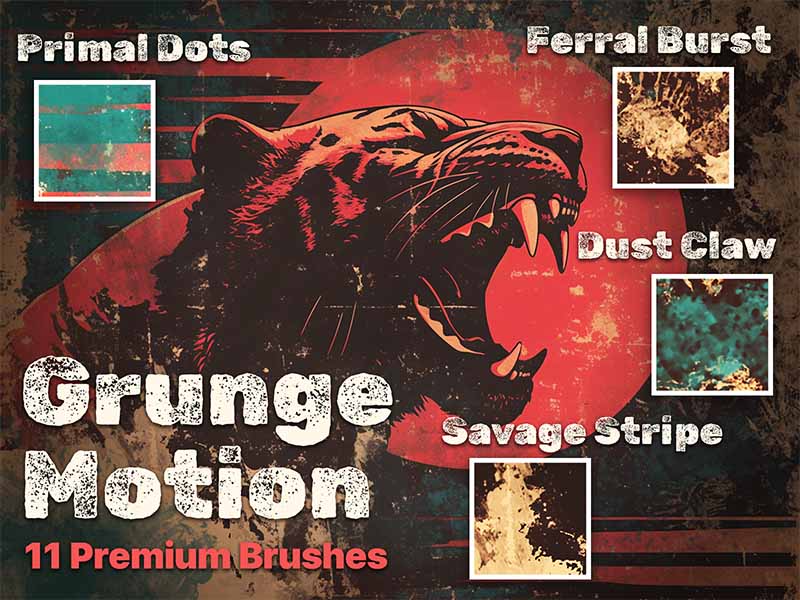
Texture · Abstract
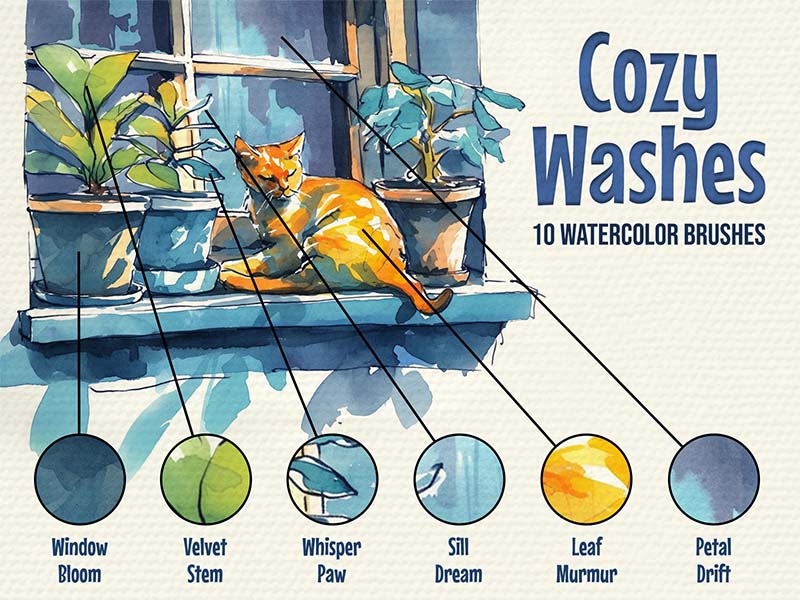
Watercolor · Texture
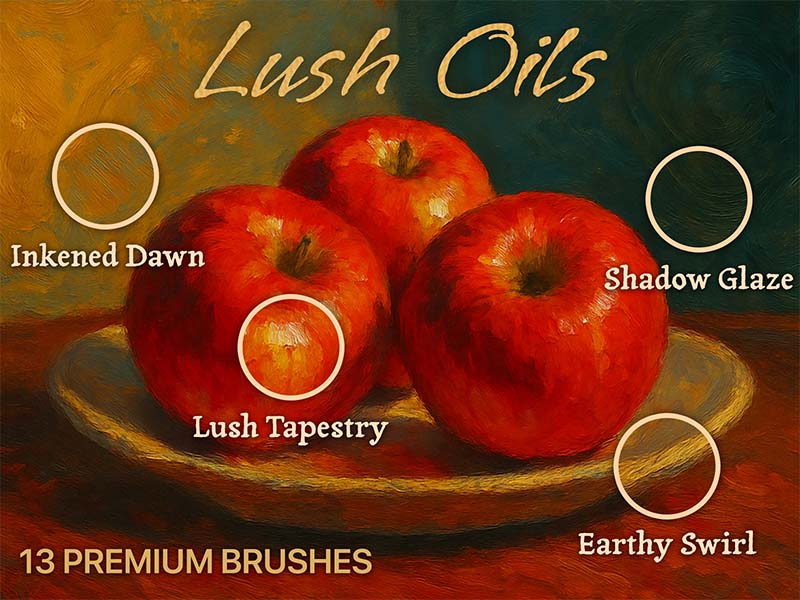
Oil · Texture
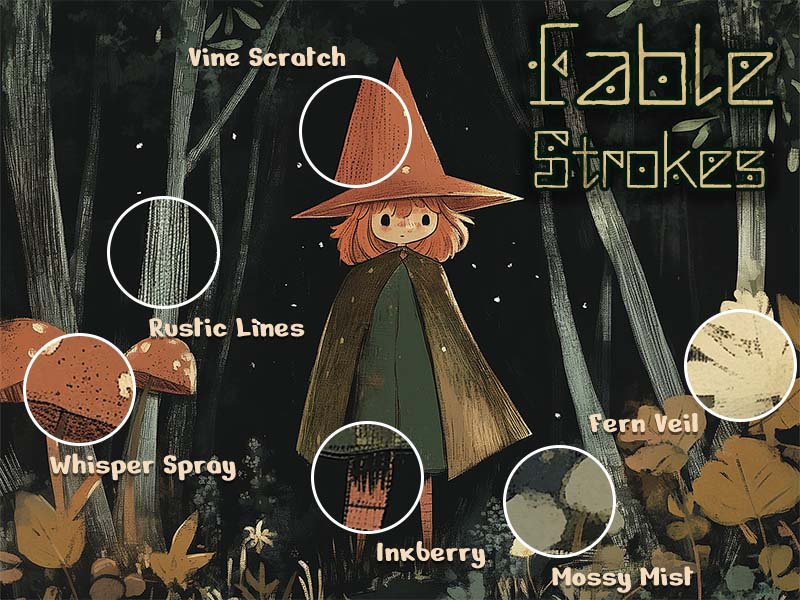
Chalk & Charcoal · Texture
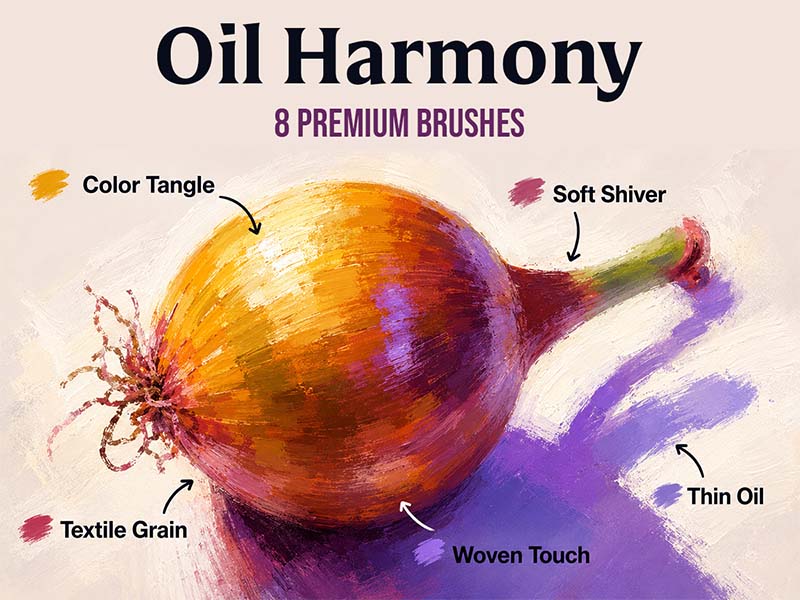
Oil · Texture
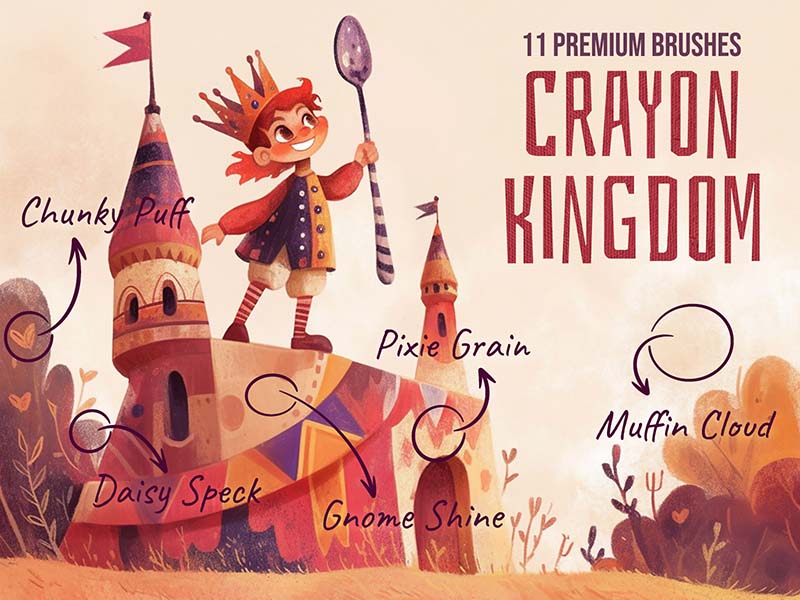
Chalk & Charcoal · Texture
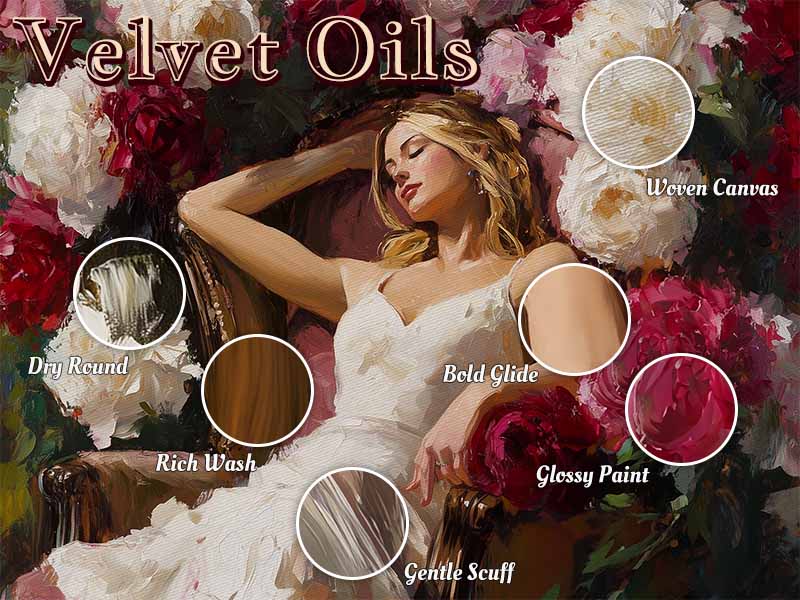
Oil · Acrylic
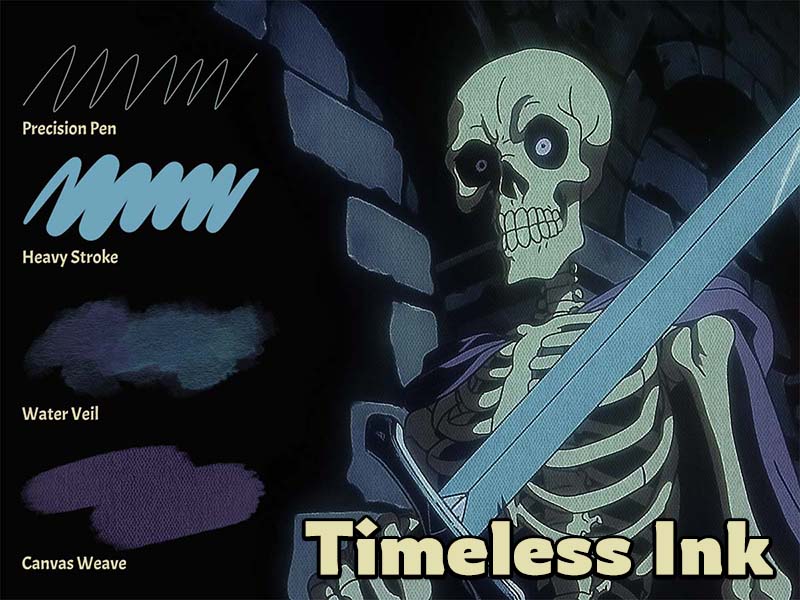
Sketching · Drawing
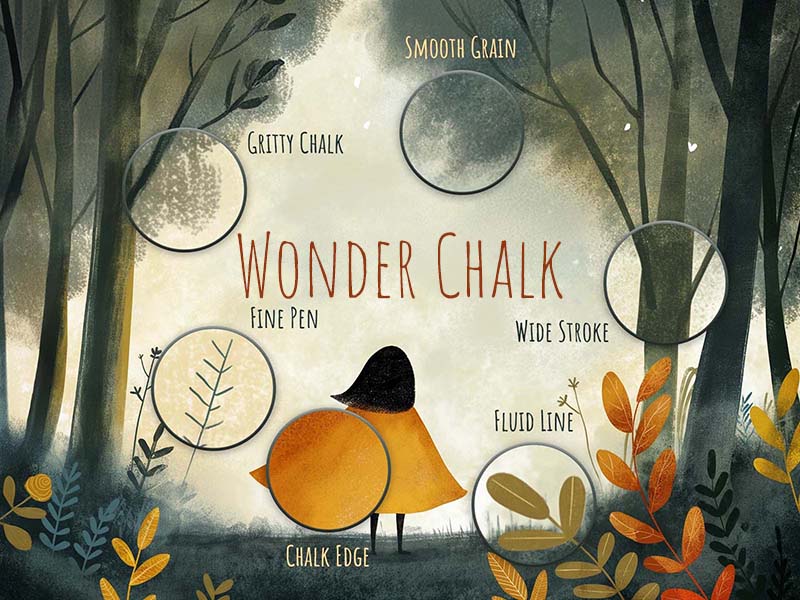
Drawing · Sketching
Drawing · Texture
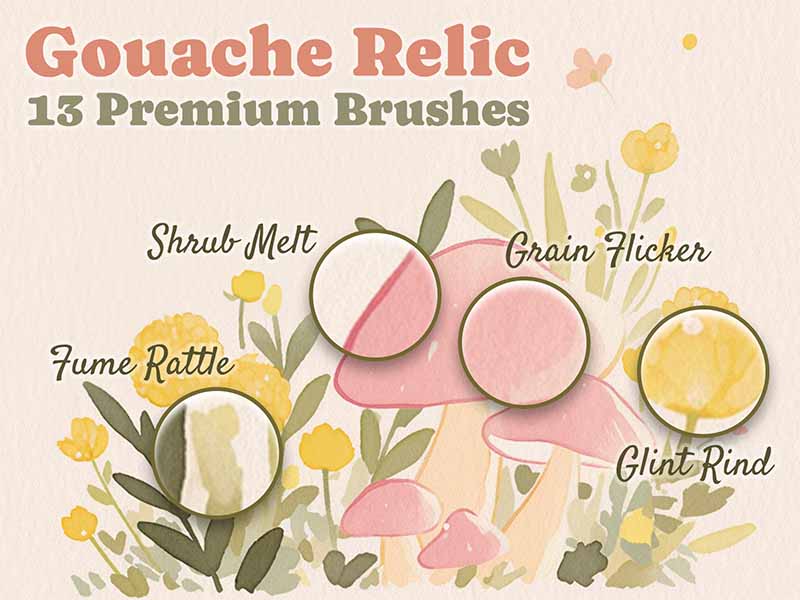
Gouache · Texture
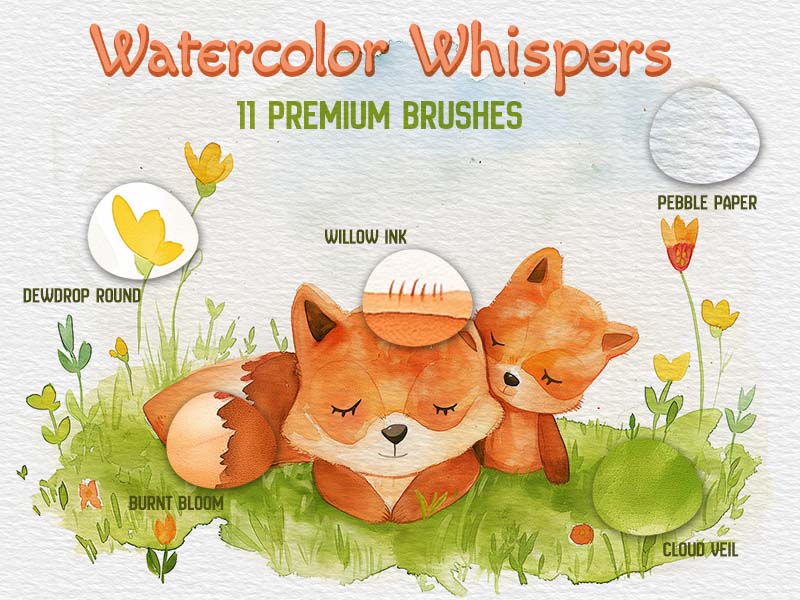
Watercolor · Texture
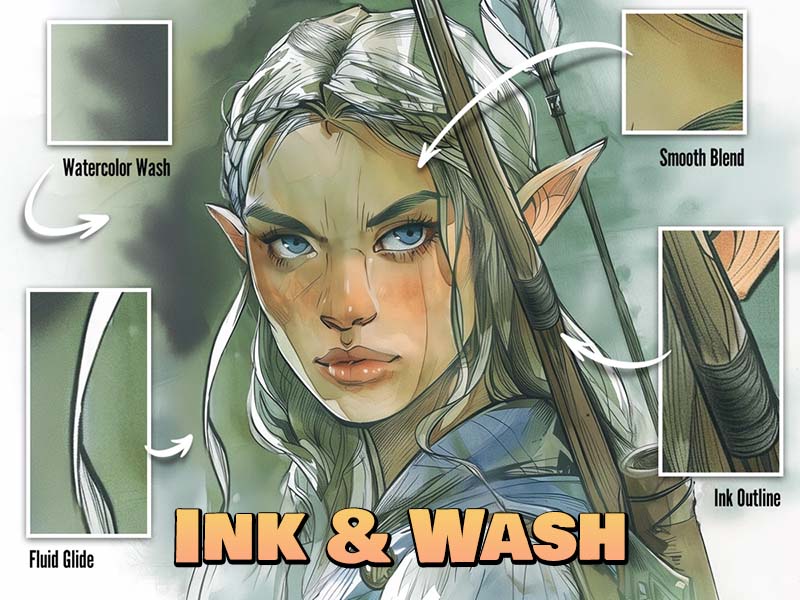
Inking · Sketching
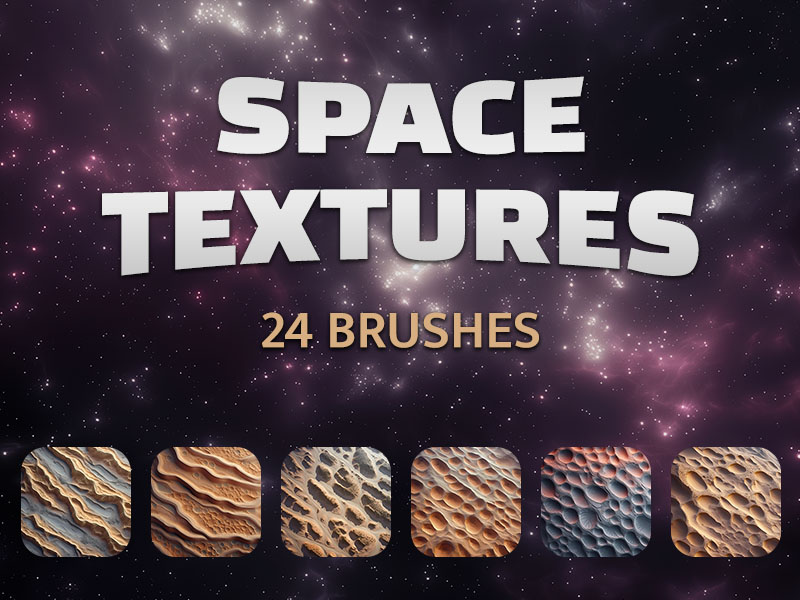
Texture
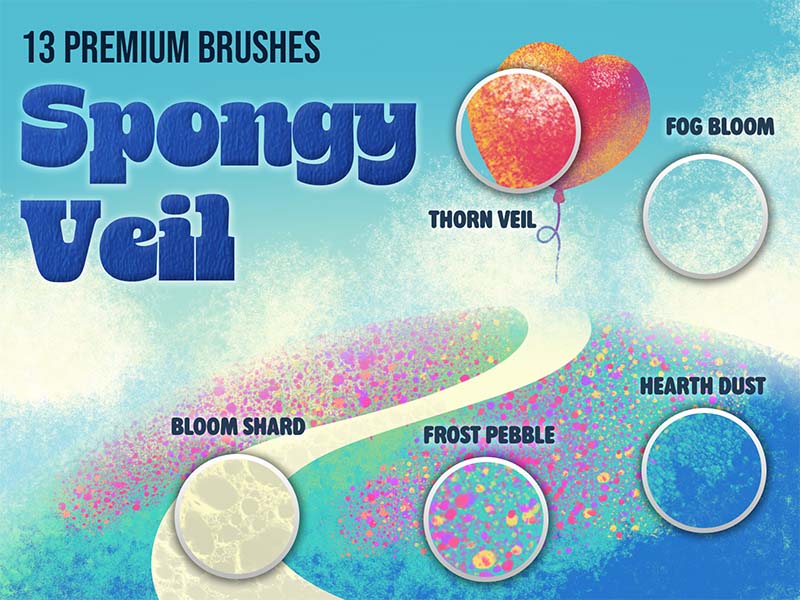
Texture
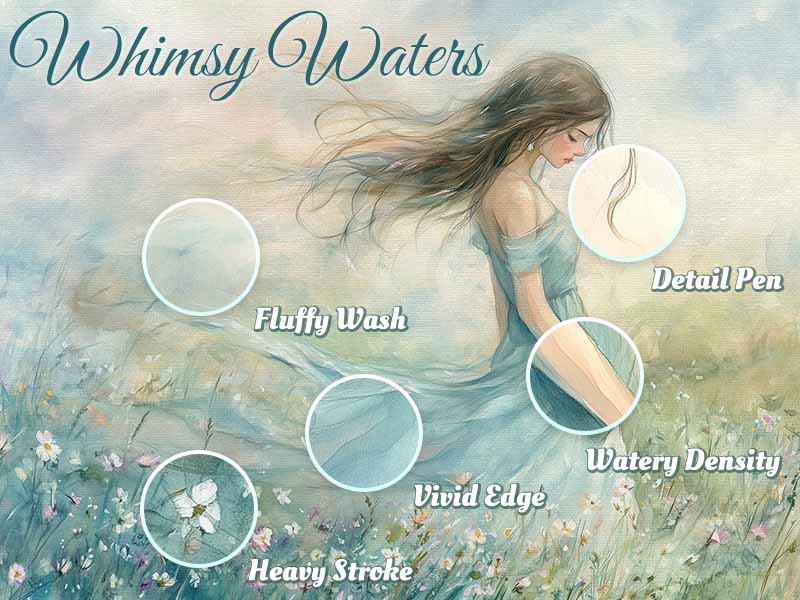
Watercolor · Texture
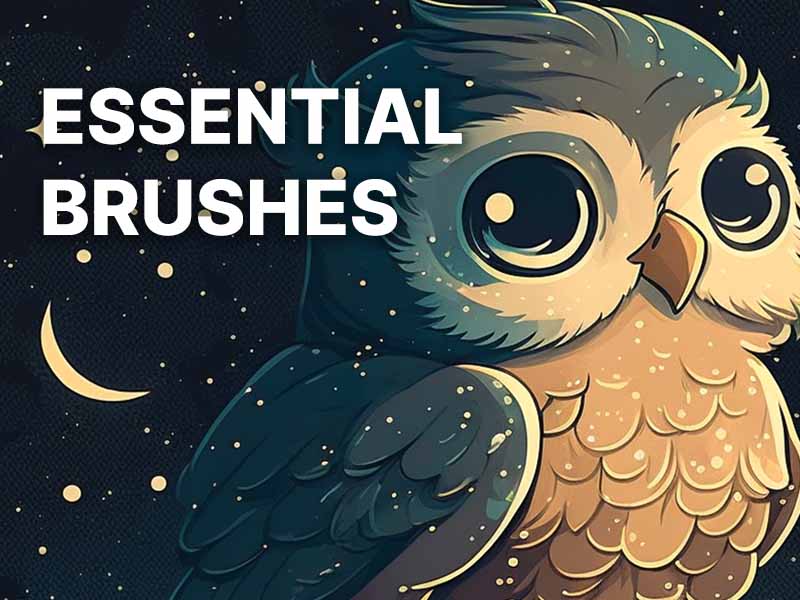
Sketching · Drawing
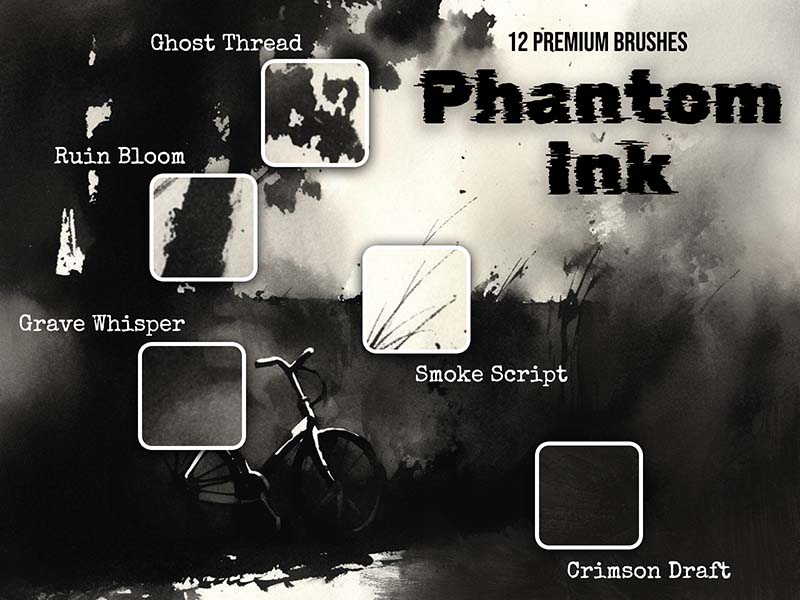
Inking · Texture
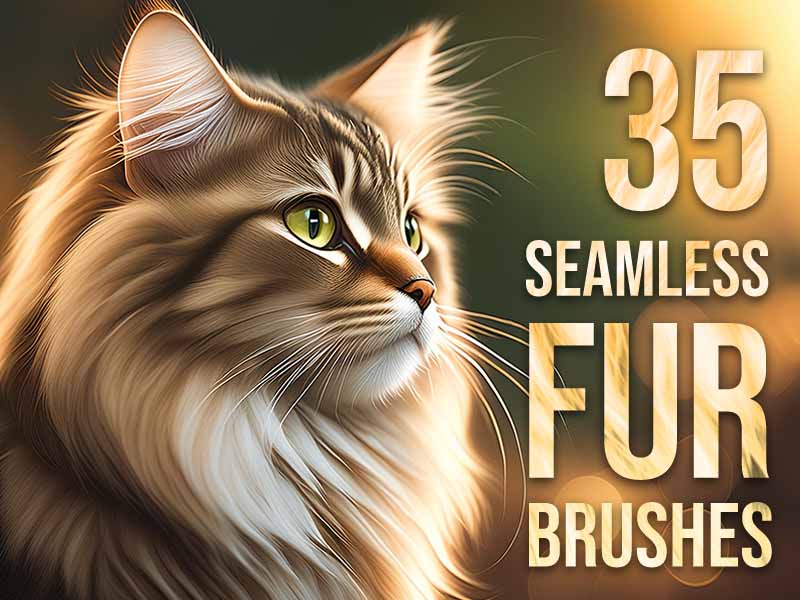
Texture · 3D
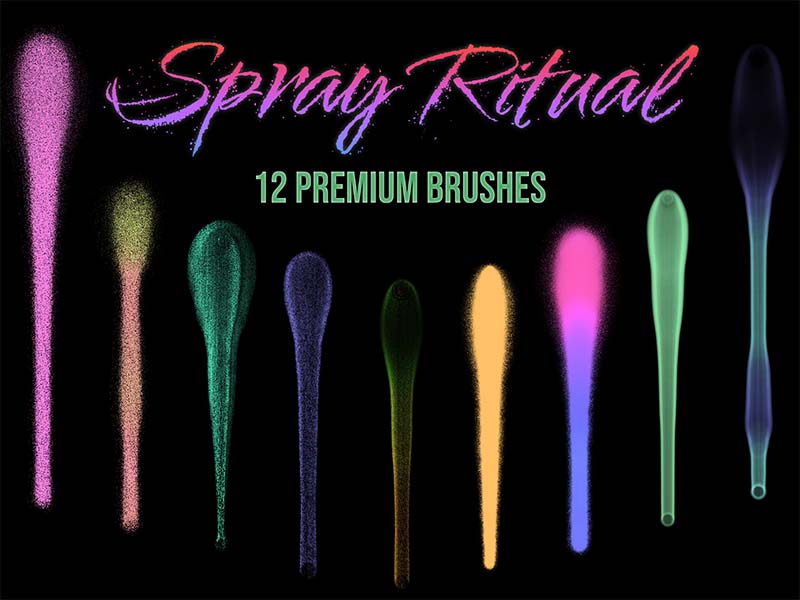
Texture · Lettering
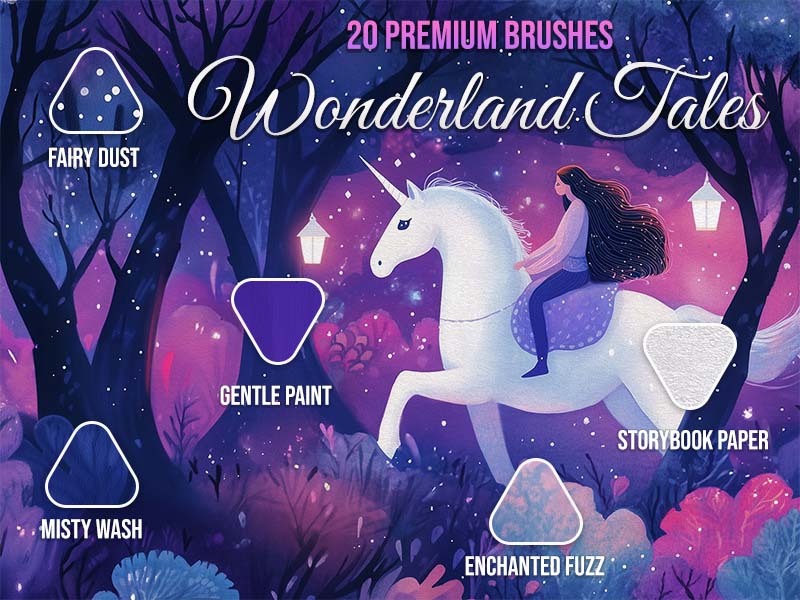
Watercolor · Texture
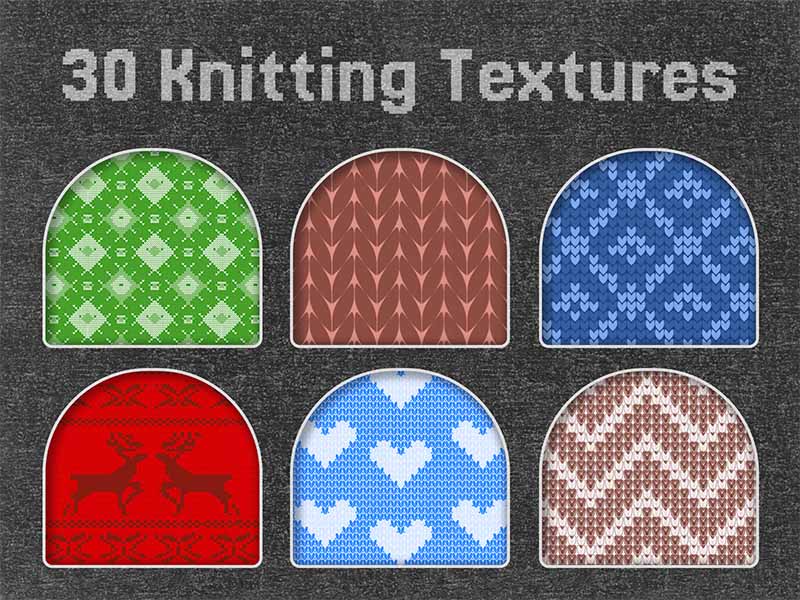
Texture
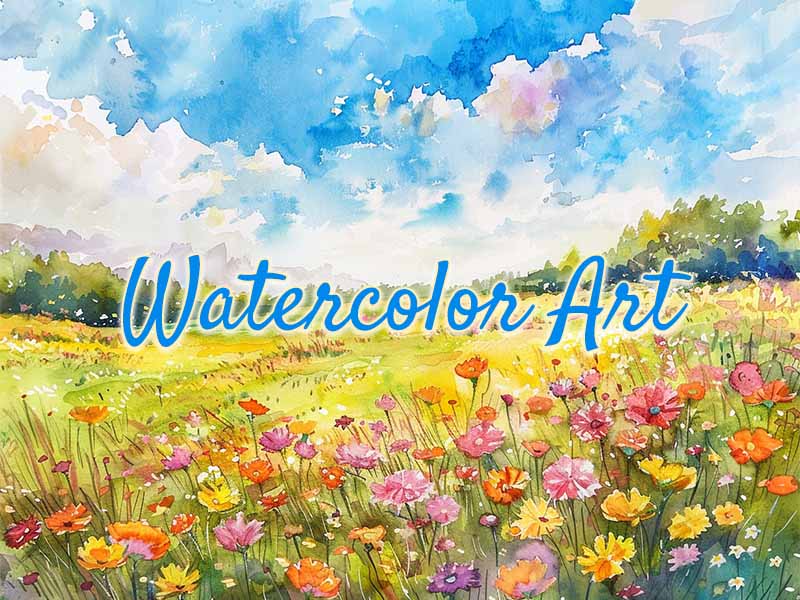
Watercolor · Drawing
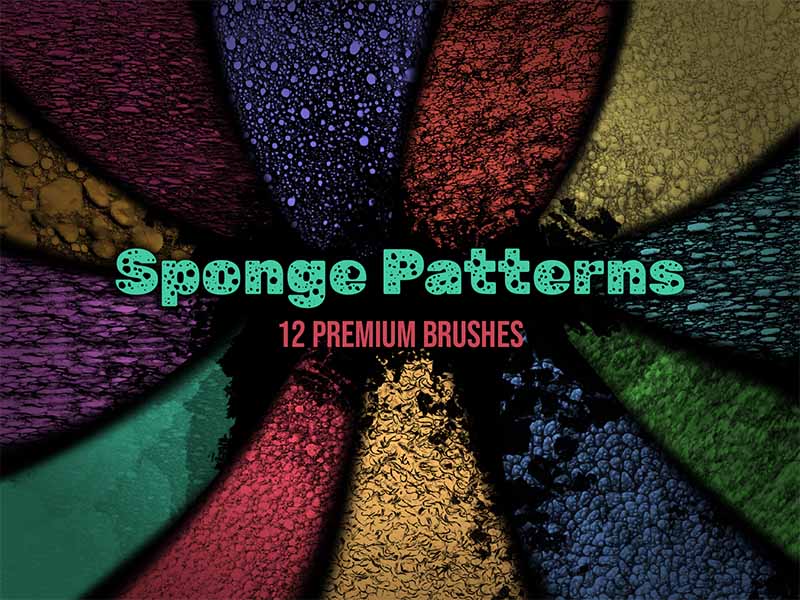
Texture
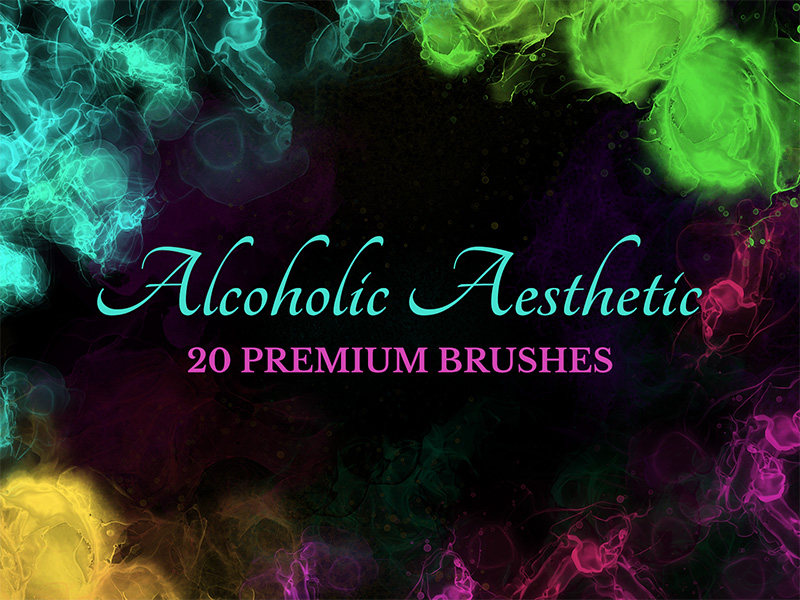
Abstract · Texture
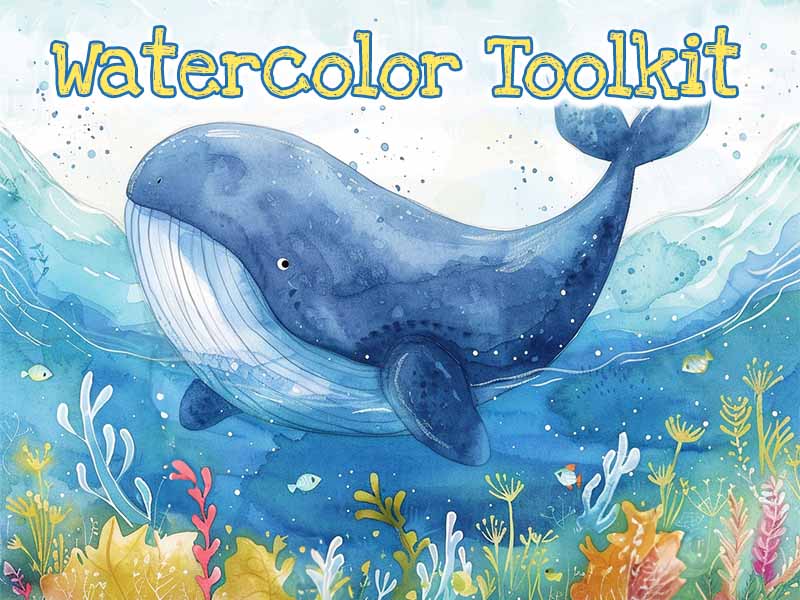
Watercolor · Drawing
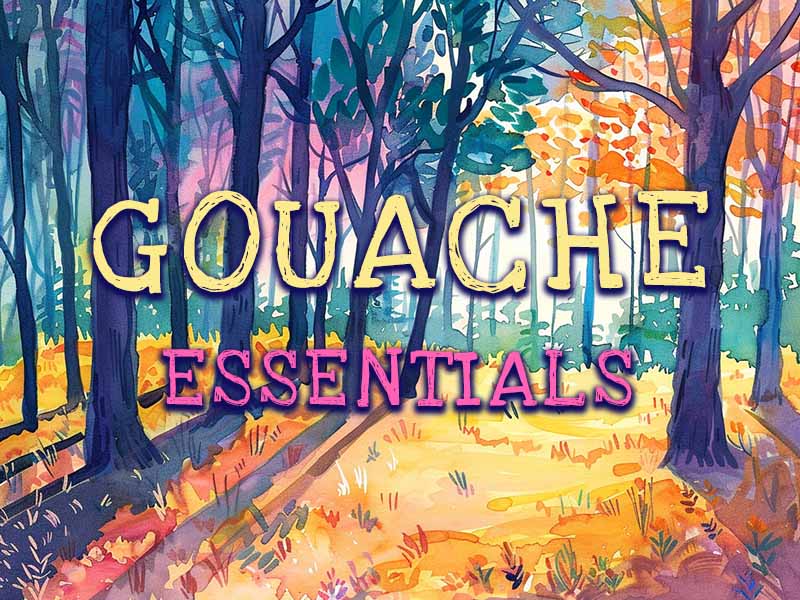
Gouache · Drawing
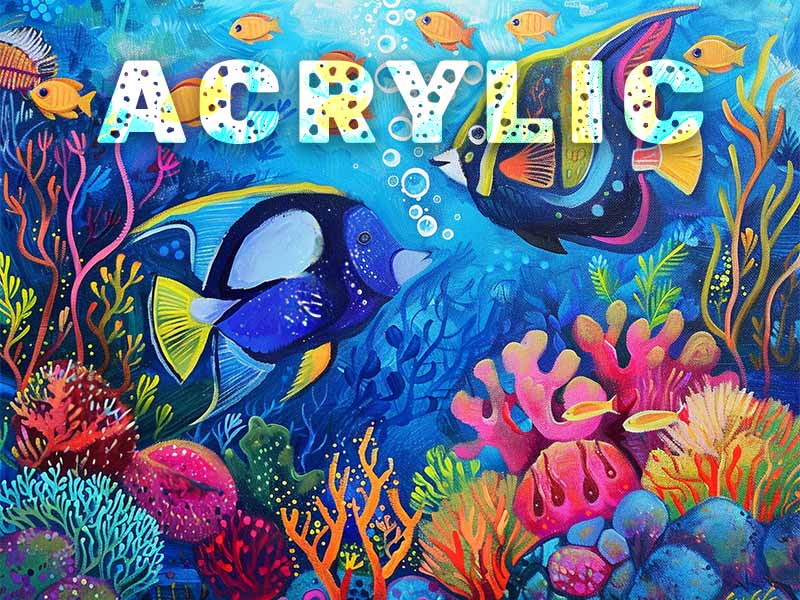
Acrylic · Texture
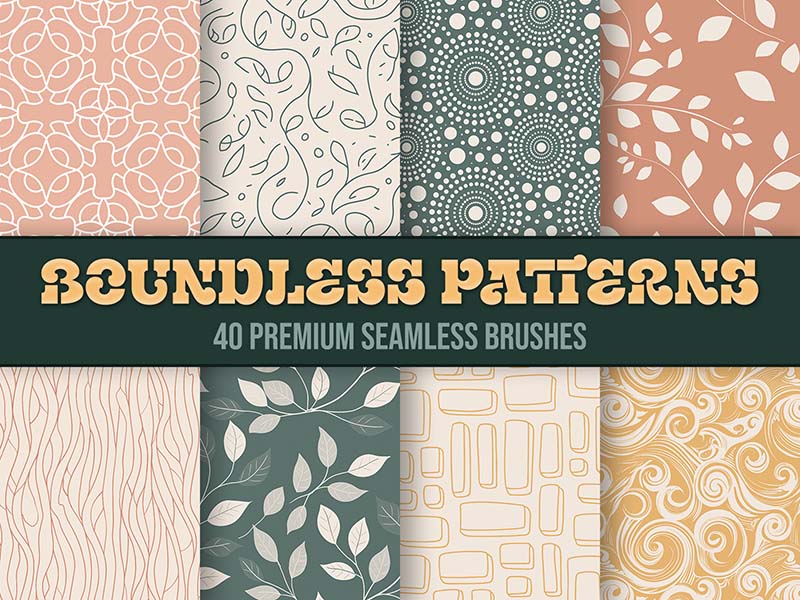
Abstract · Texture
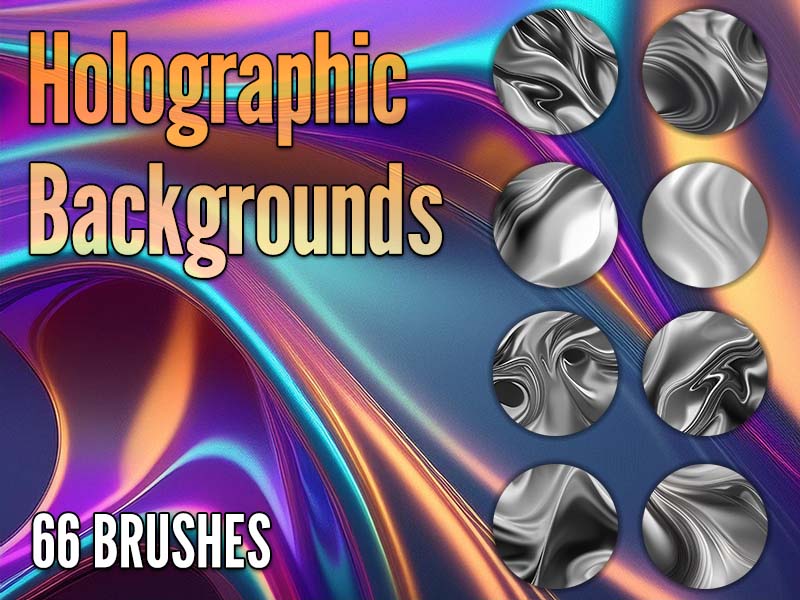
Texture · Abstract
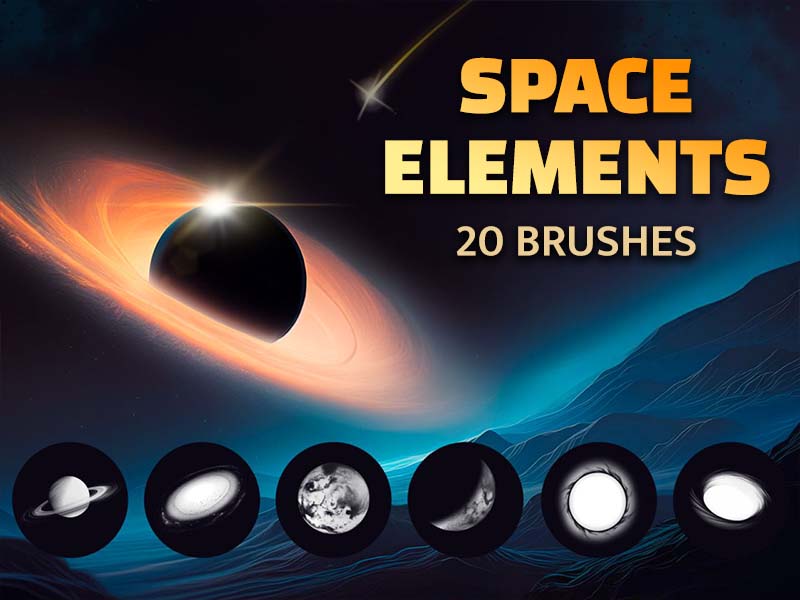
Stamps · Texture
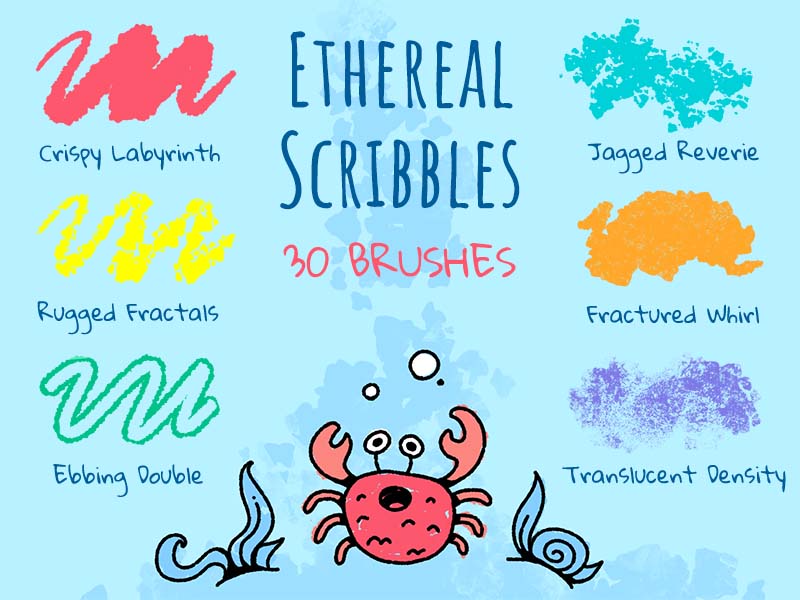
Lettering · Inking
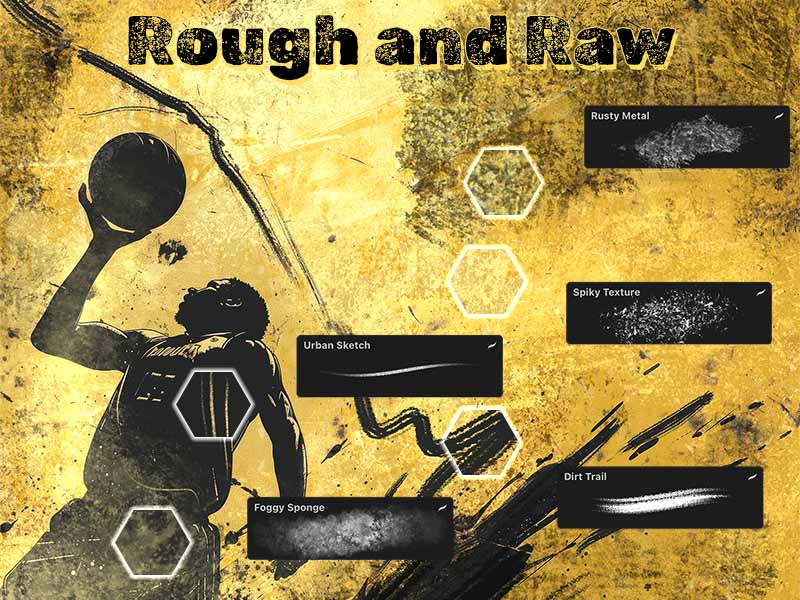
Texture · Drawing
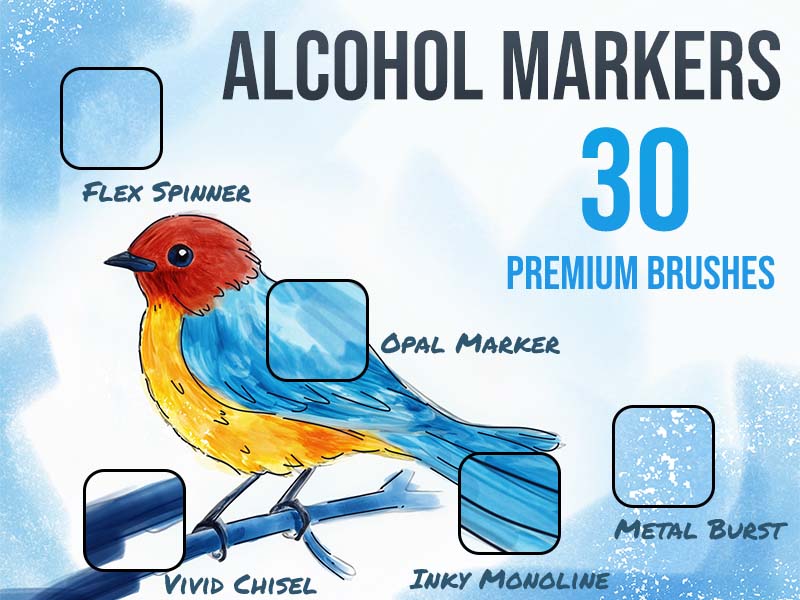
Lettering · Texture
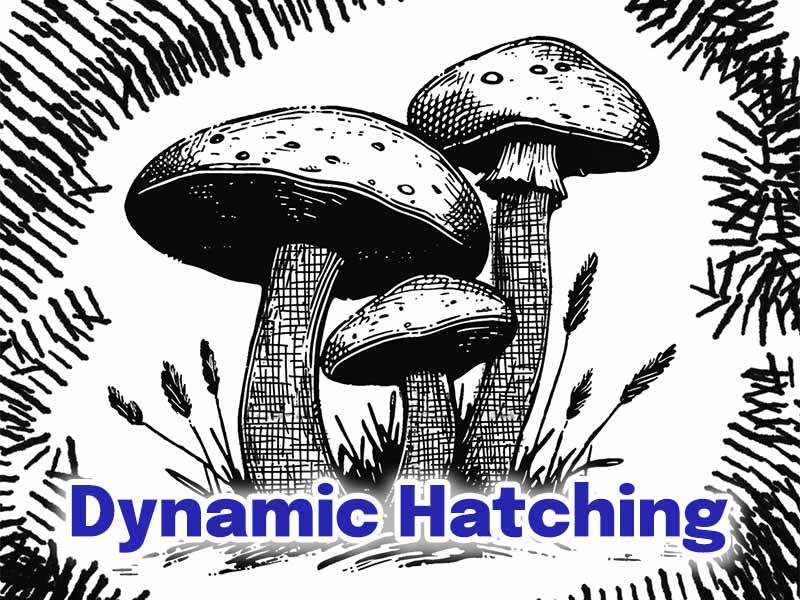
Drawing · Shading
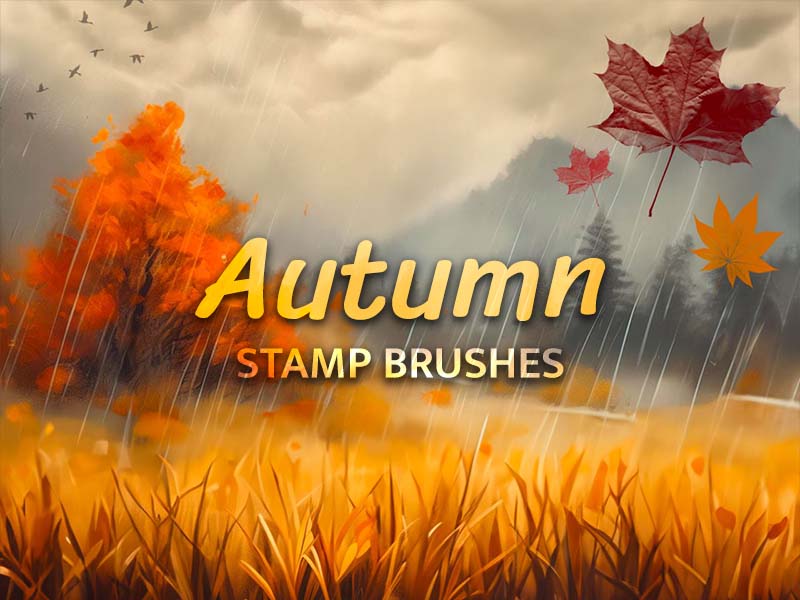
Stamps · Texture
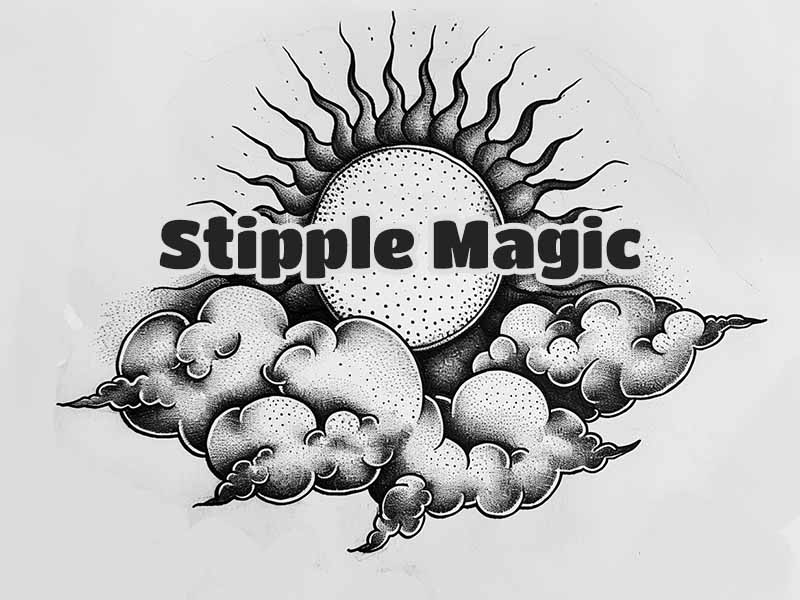
Texture · Drawing

Abstract · Drawing
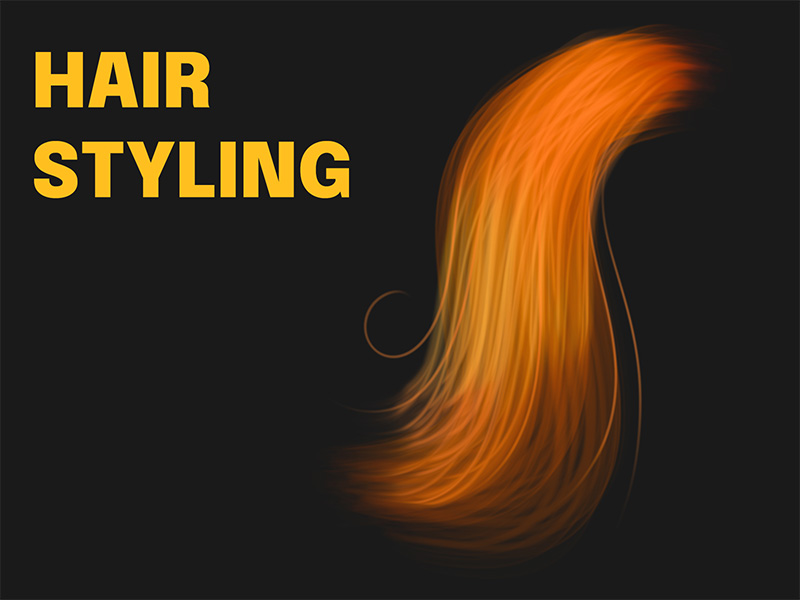
Drawing · Texture
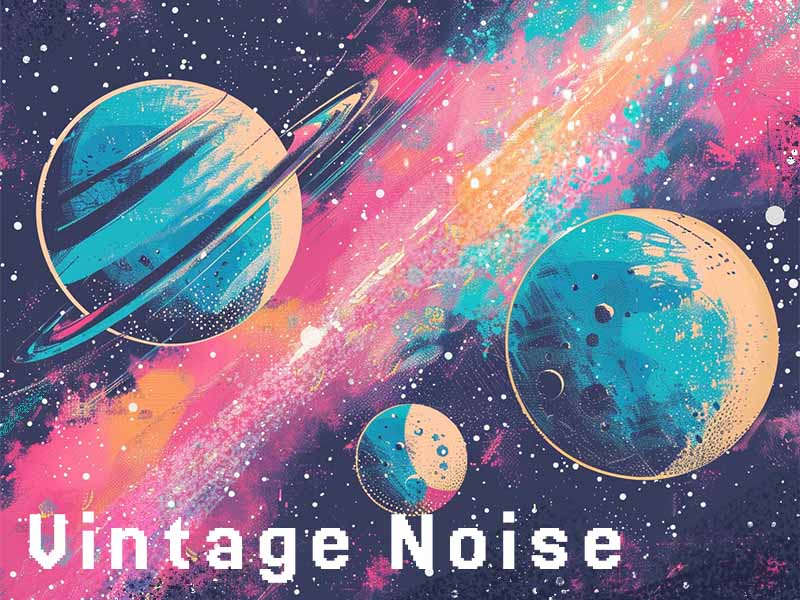
Texture · Drawing
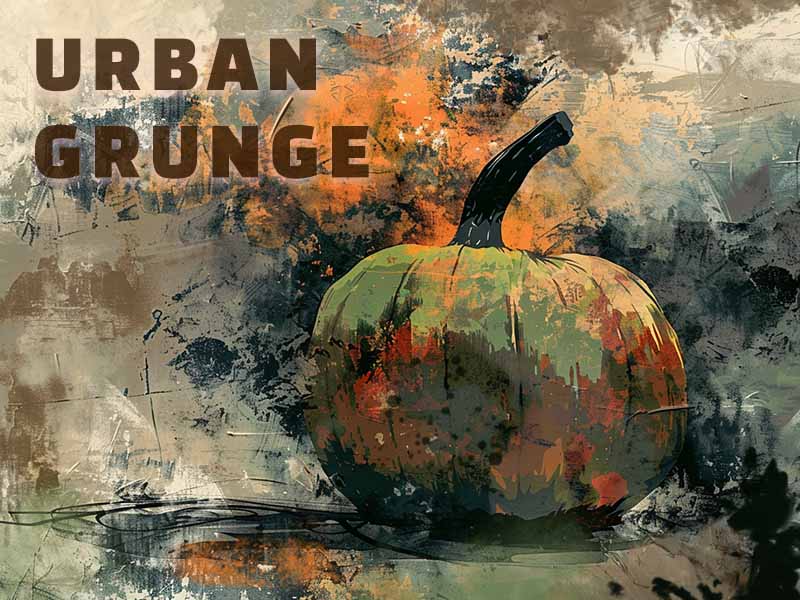
Texture · Drawing
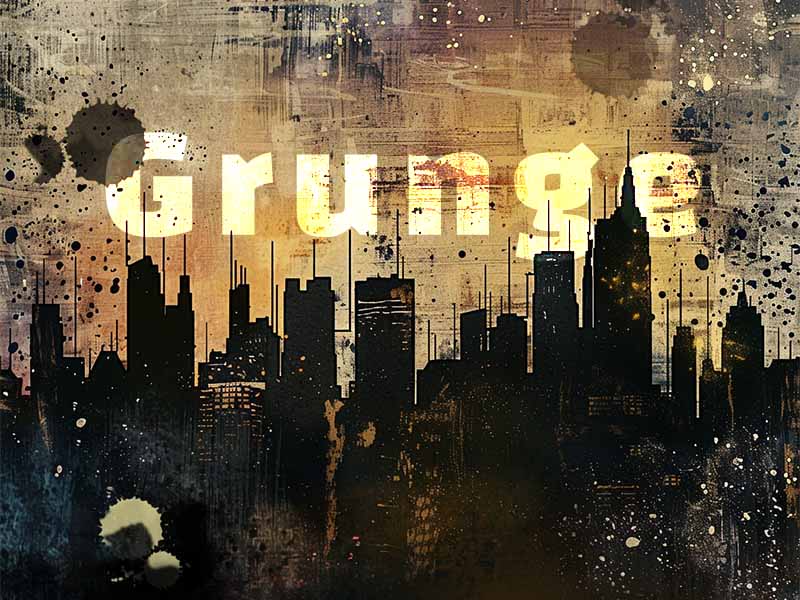
Texture · Shading
Add texture on a separate layer and experiment with opacity before changing the artwork underneath. Zoom out regularly: a strong close-up texture can overwhelm a smaller final image.
Open a pack above to compare every included brush. To use a set, download Artist Brushes from the App Store and find the pack by name. Procreate or Procreate Pocket is required separately, and some content requires in-app purchases.
Discover the collection in Artist Brushes for Procreate.