Skip to content
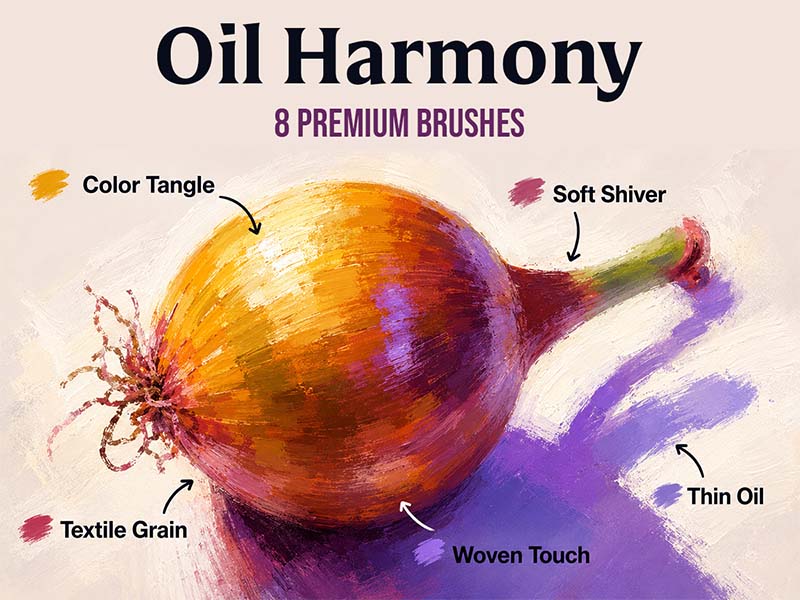
Oil Harmony artwork and Procreate brush previews
Artist Brushes for Procreate

Oil HarmonyBrush pack for Procreate

8 brushes in this pack

Download in the app

Opens the App Store · iPad & iPhone
Some content requires in-app purchases.

Meet your next set of tools

About Oil Harmony

Oil Harmony brings balance and depth to your artwork with eight versatile brushes. Each brush combines rich, textured strokes with fluid color dynamics, making it ideal for vibrant, expressive, and harmonious oil paintings.
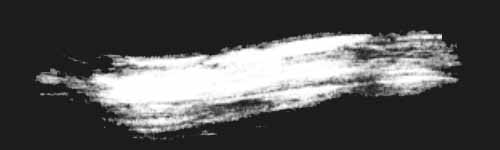
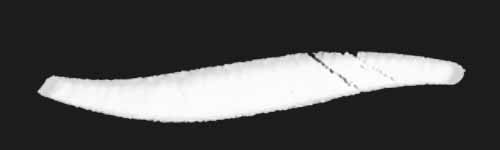
Every brush, a new possibility.

8 brushes · Full pack preview
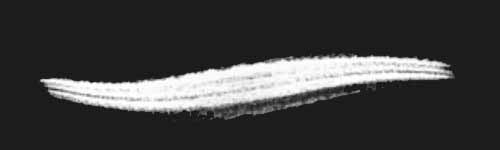
Color Tangle brush stroke preview from Oil Harmony for Procreate
Color Tangle
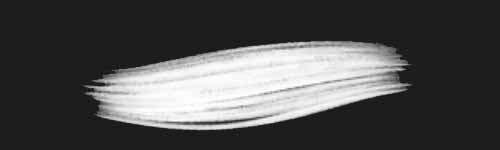
Loose Motion brush stroke preview from Oil Harmony for Procreate
Loose Motion
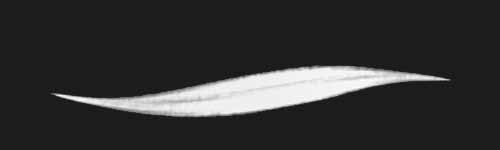
Oleum Pulse brush stroke preview from Oil Harmony for Procreate
Oleum Pulse
Soft Shiver brush stroke preview from Oil Harmony for Procreate
Soft Shiver
Textile Grain brush stroke preview from Oil Harmony for Procreate
Textile Grain
Thin Oil brush stroke preview from Oil Harmony for Procreate
Thin Oil
Warm Rubble brush stroke preview from Oil Harmony for Procreate
Warm Rubble
Woven Touch brush stroke preview from Oil Harmony for Procreate
Woven Touch
From inspiration to your canvas

How to get Oil Harmony

Use Artist Brushes to bring your next set of tools into Procreate.

  1. 01

    Get Artist Brushes

    Download Artist Brushes for Procreate from the App Store on your iPad or iPhone.

  2. 02

    Find your pack

    Look for “Oil Harmony” in the app and open the pack. Some content requires in-app purchases.

  3. 03

    Import and start drawing

    Use the app’s download and export options to open the brushes in Procreate on iPad or Procreate Pocket on iPhone. Procreate is required and sold separately.

Make it part of your toolkit.

Find Oil Harmony in Artist Brushes for Procreate.
Download on the App Store
Keep exploring

More brushes you might love